Organizations & API keys
What it is and why use it
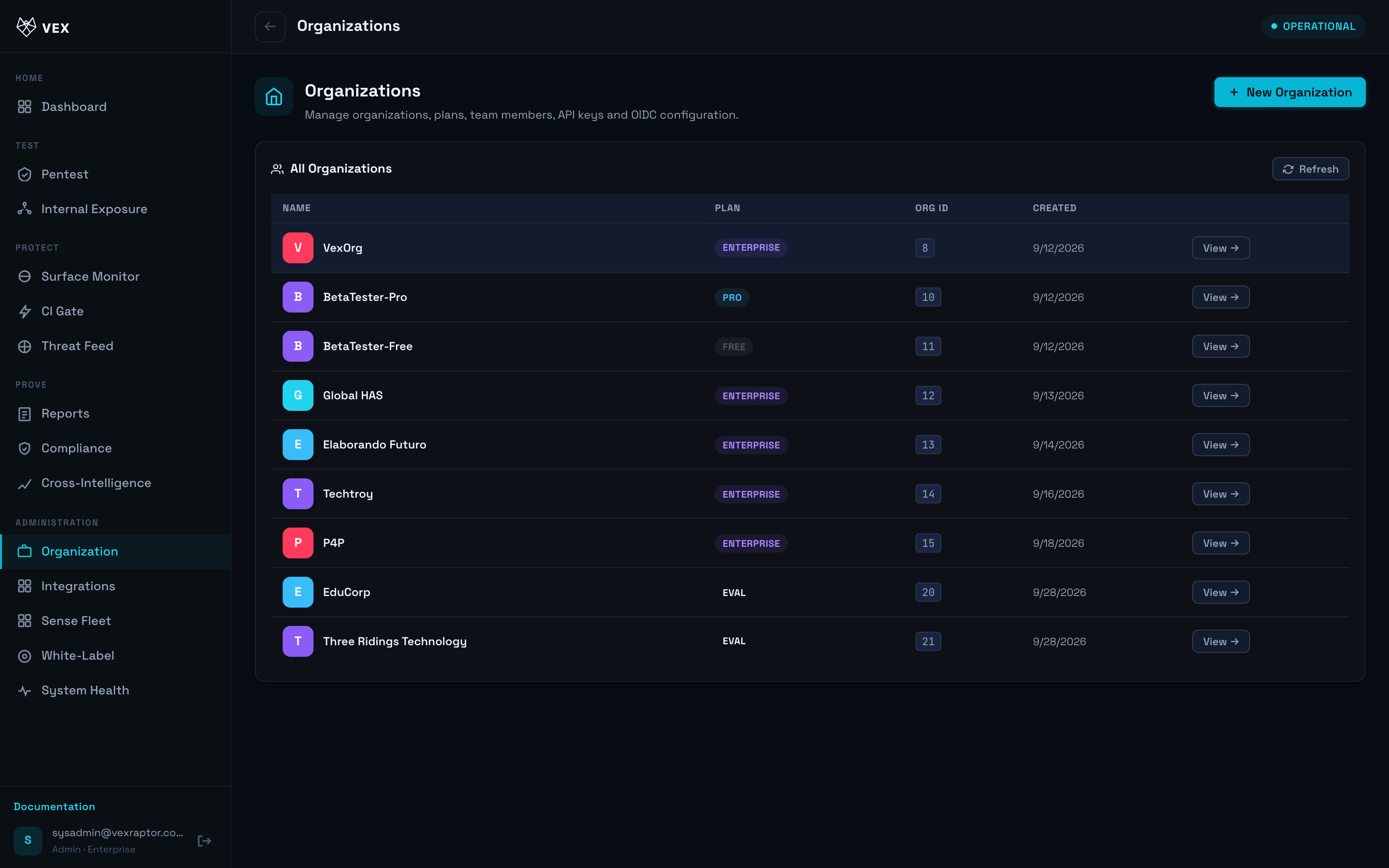
The Organization screen (/orgs) manages members, roles, plan usage, and API
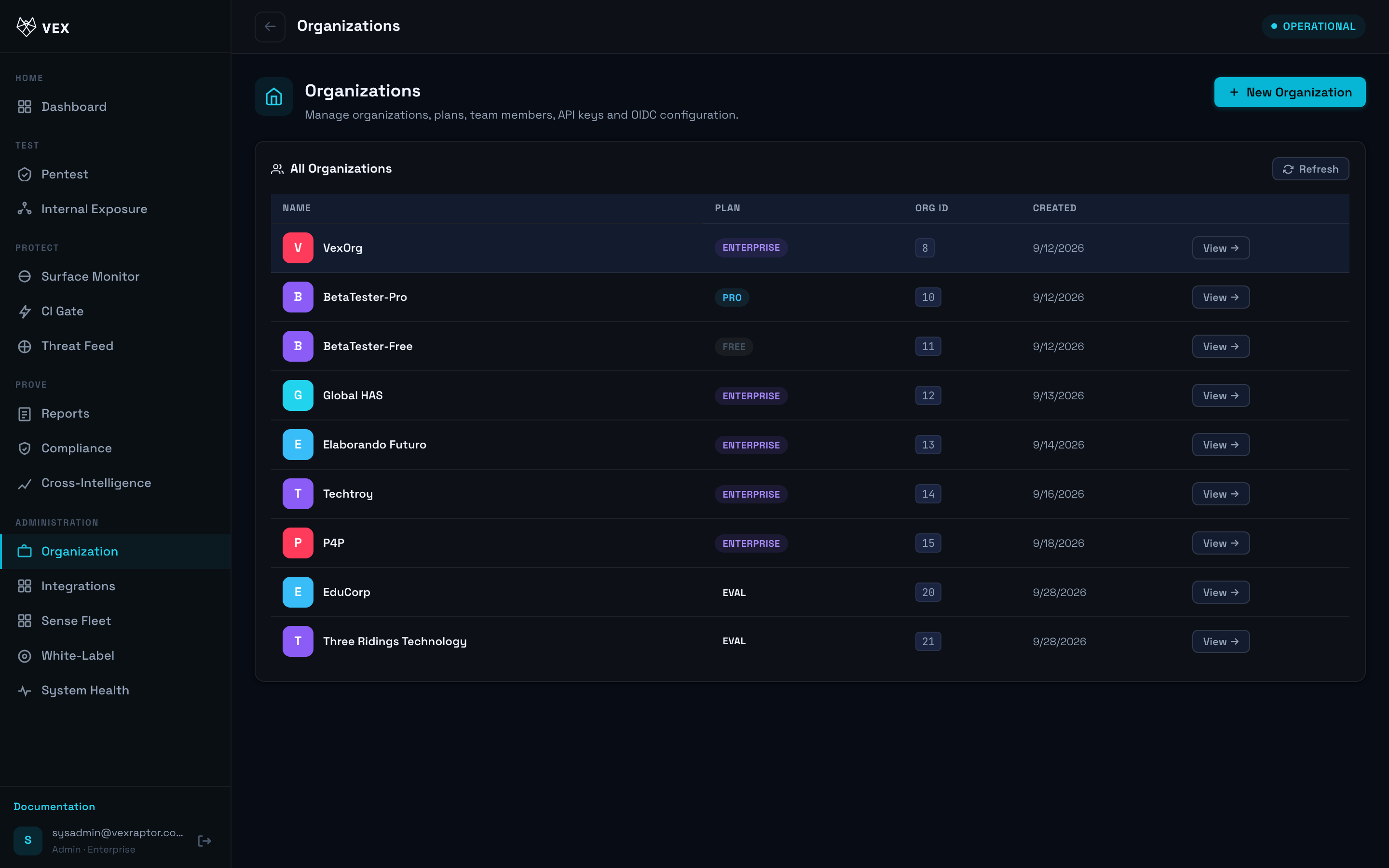
keys used for CI webhooks and automation.
Before you start
- Admin role in the organization.
- For SSO and fine-grained RBAC, also read SSO, roles & API keys.
Step by step
- Open Organization.
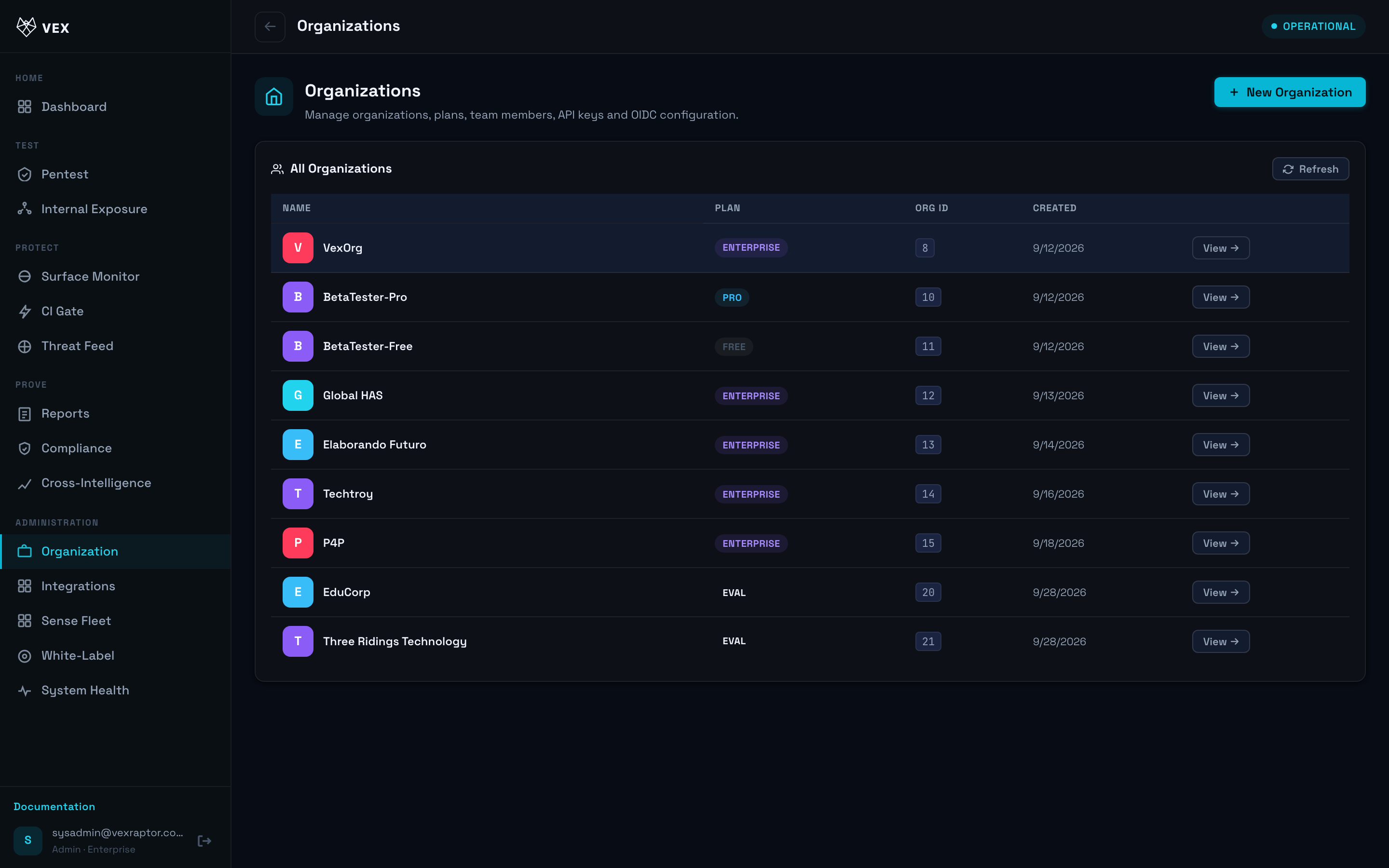
- Invite or create users with admin, member, or viewer roles.
-
Review daily scan usage against your plan (
GET /api/v1/orgs/planslists limits). -
Under API keys, create a key with a label. Copy it once — it is not shown again.
-
Revoke keys that leaked or left the organization.
-
MSSP operators with multiple orgs: see Multi-org & MSSP.
What you will see
Member list, role badges, scan counters, and key metadata (created, last used when tracked).
Common problems
- Cannot create org — on SaaS, org creation may be operator-only; contact Vex support.
- 429 scans — daily quota; wait for UTC reset or upgrade plan.