Threat intelligence
What it is and why use it
Vex Raptor combines Threat Feed and Cross-Intelligence (Enterprise) to surface relevant CVEs, intel feeds, and correlations across your scan history.
Before you start
- Threat Feed: Enterprise plan.
- Cross-Intelligence: Enterprise plan.
- Optional API keys for enrichment (
NVD,OTX, etc.) configured by your operator — features degrade gracefully when keys are absent.
Step by step
Threat Feed
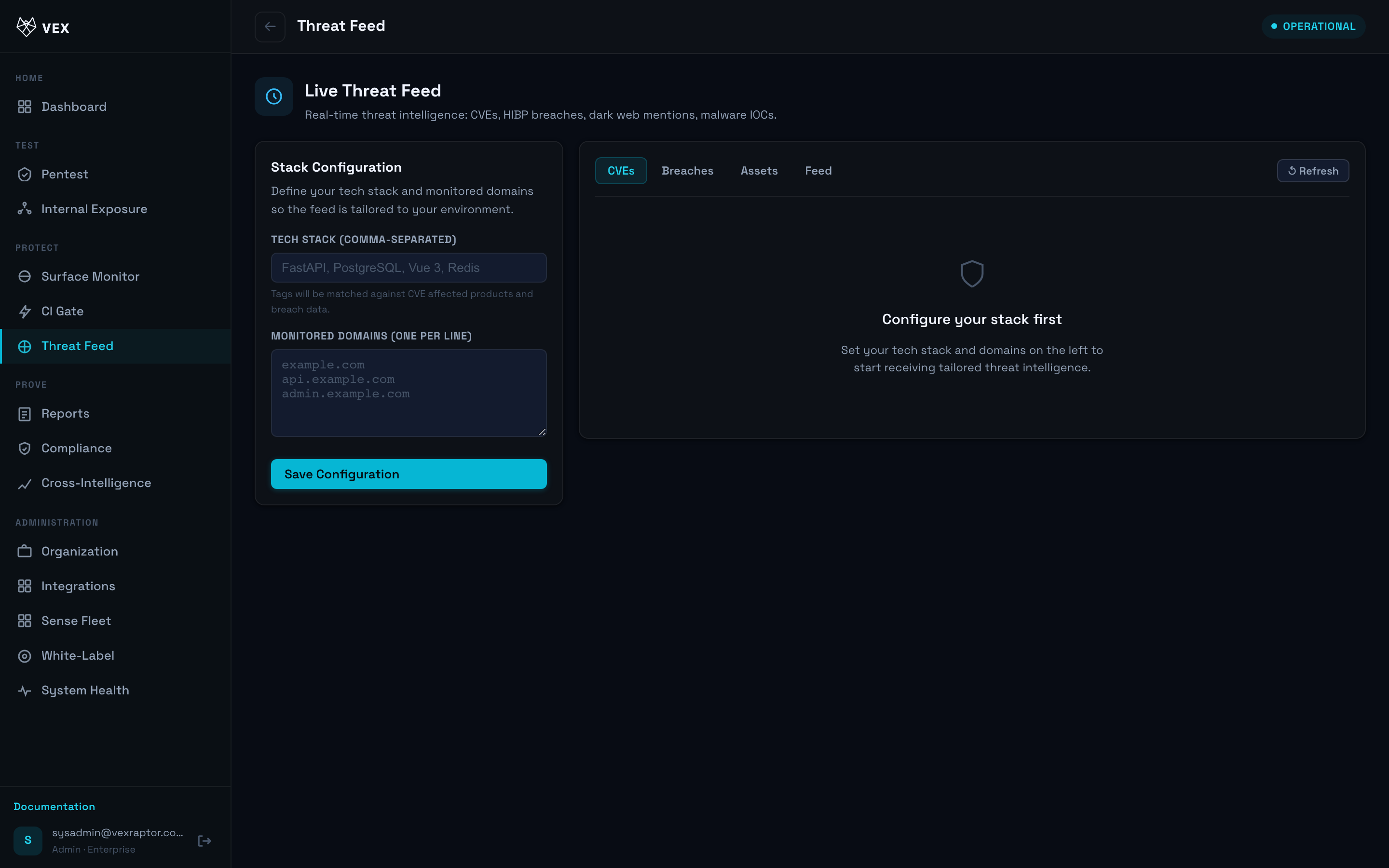
- Open Threat Feed (
/threat-feed).
-
Filter by vendor, product, or severity.
-
Pivot from an item to related assets or scans when links are shown.
Cross-Intelligence
- Open Cross-Intelligence (
/intelligence).
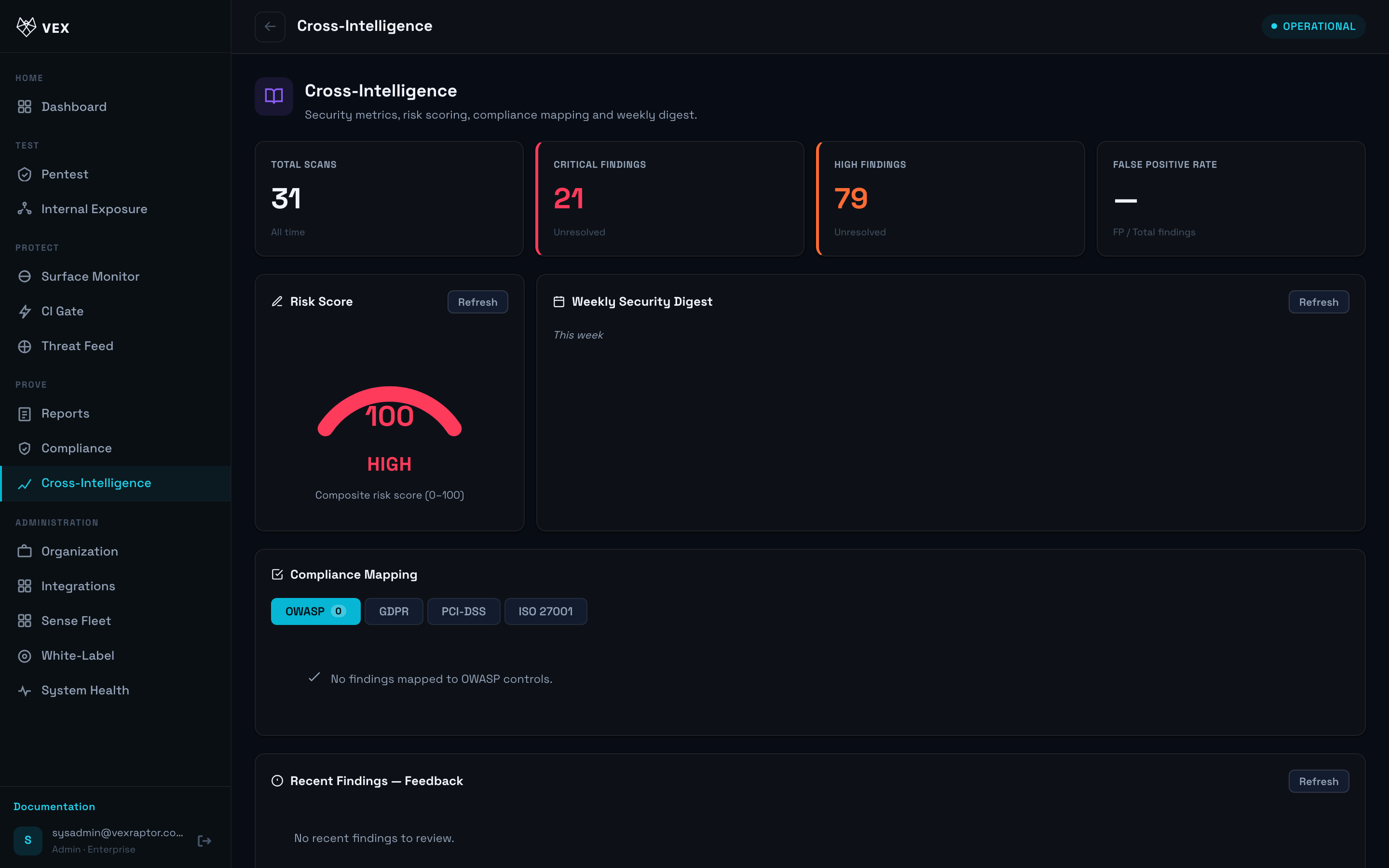
- Run or review cross scans that compare findings across targets.
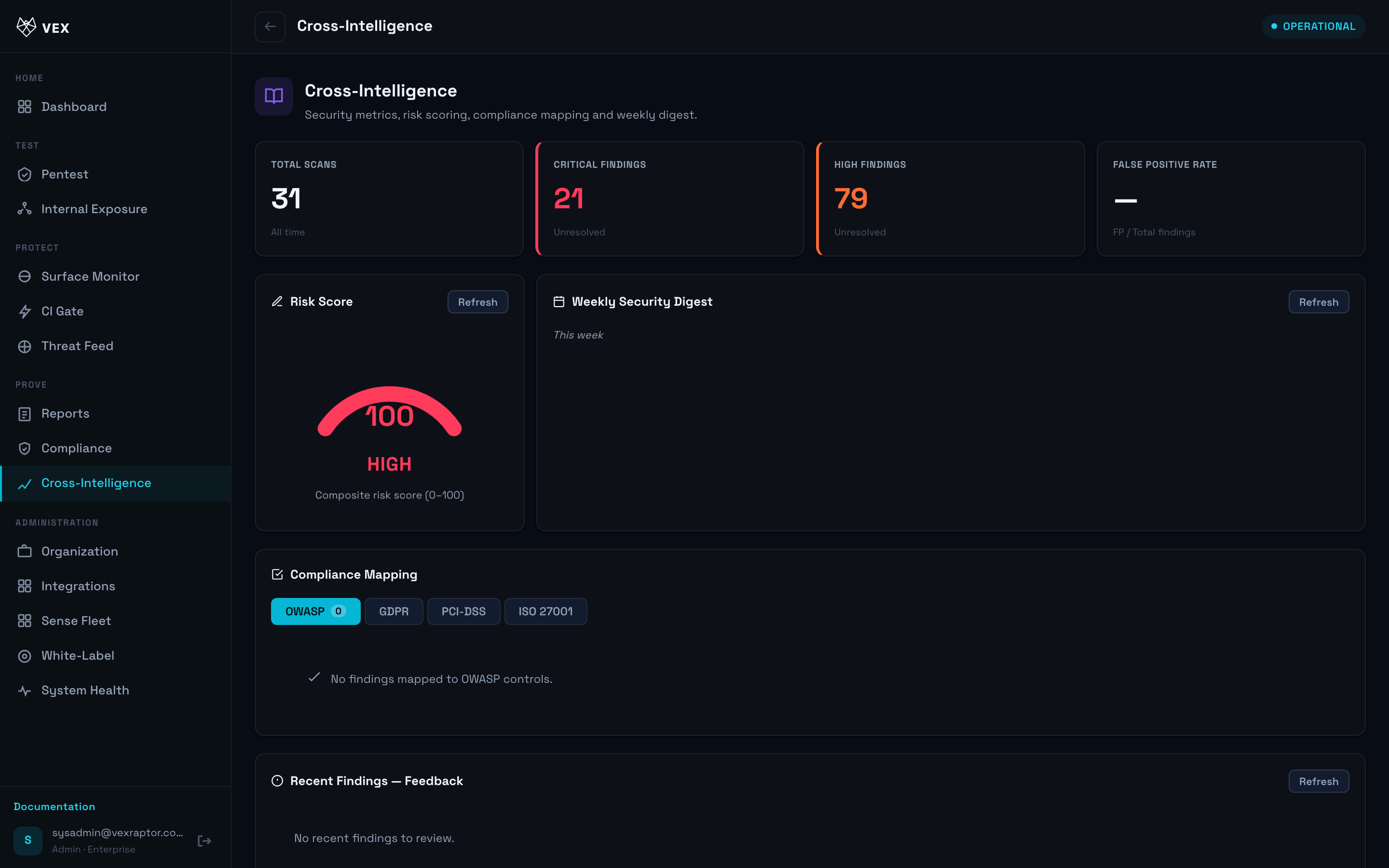
- Open the compliance posture API/view when exposed in UI
(
GET /api/v1/intelligence/compliance).
What you will see
Intel cards, CVE references, and aggregated metrics scoped to your organization.
Common problems
- Empty feed — enrichment keys not configured on the instance.
- 403 — Enterprise plan required.