Internal exposure
What it is and why use it
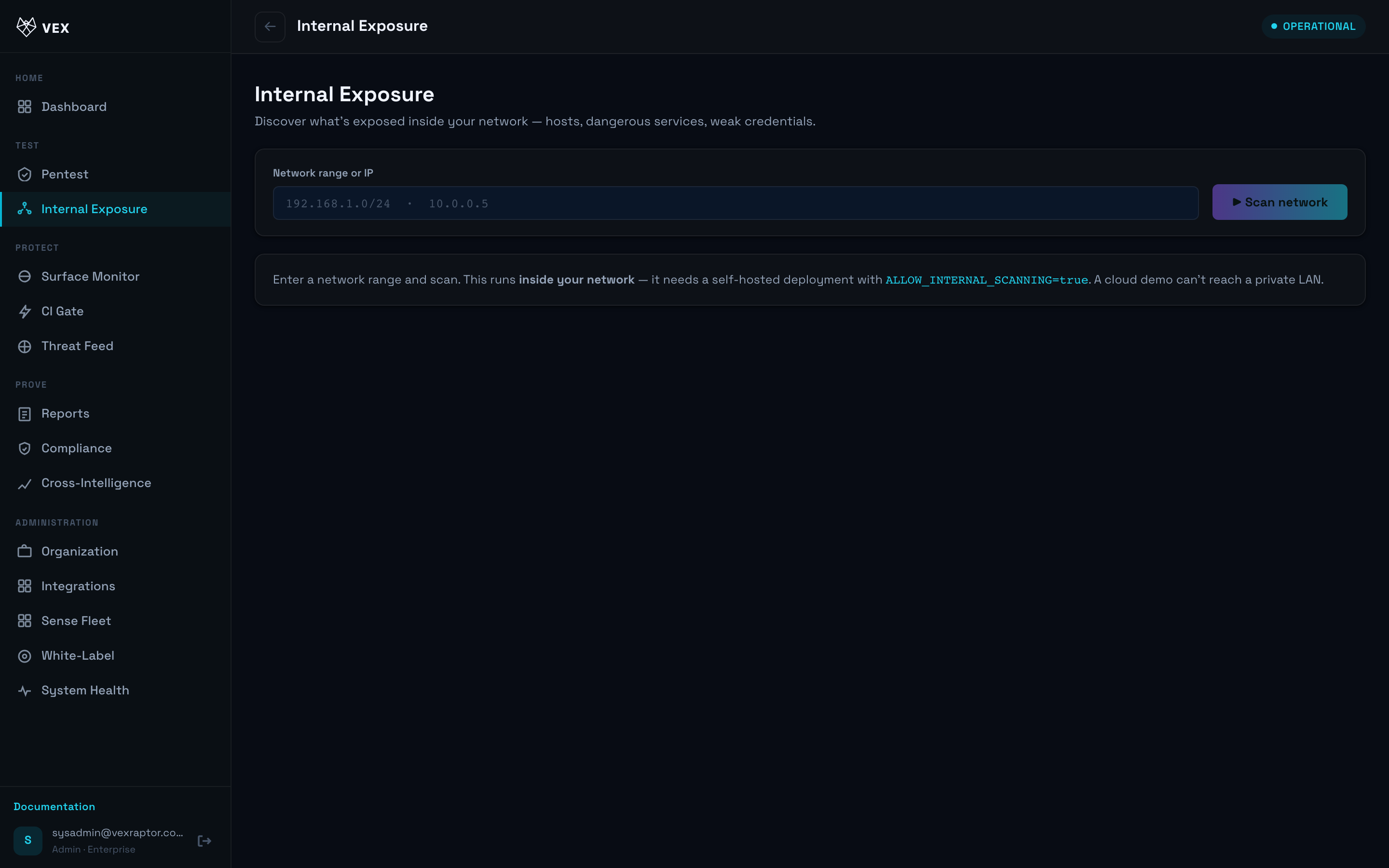
Internal Exposure (/network) visualizes assets and risks discovered on internal
networks, typically fed by Vex Sense sensors or approved internal scan targets.
Before you start
- Plan: Enterprise.
- Internal scanning only where policy and law allow; never scan networks without written authorization.
- Sense devices registered under Sense Fleet may contribute data.
Step by step
- Open Internal Exposure.
-
Filter by site, VLAN, or sensor when filters are available.
-
Select a high-risk asset to pivot into a pentest or ASM workflow.
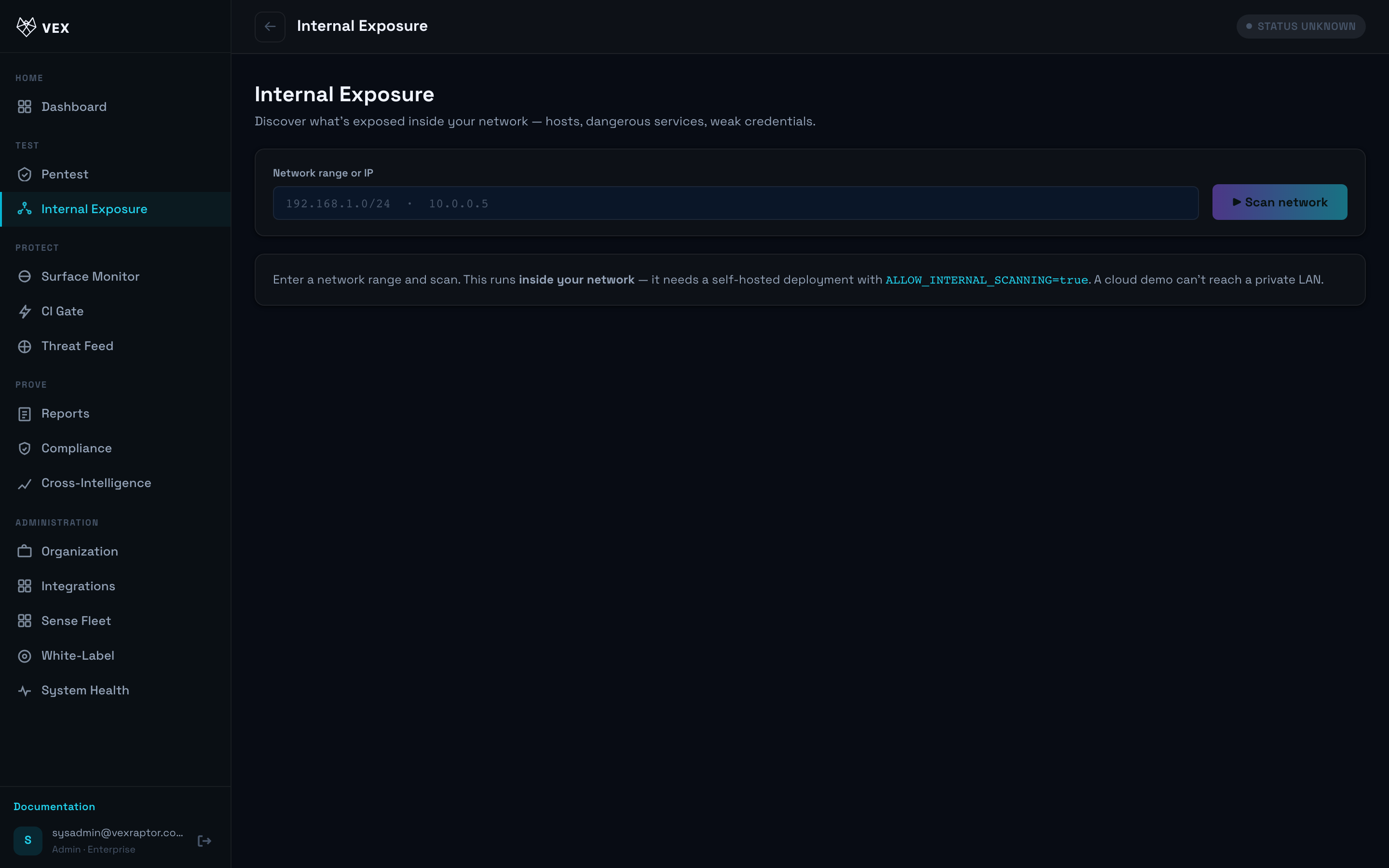
- Track changes after remediation or network changes.
What you will see
Hosts, services, and findings scoped to internal ranges your organization approved.
Common problems
- View missing — Enterprise plan required.
- No assets — register Sense sensors or run internal-approved scans.