System health
What it is and why use it
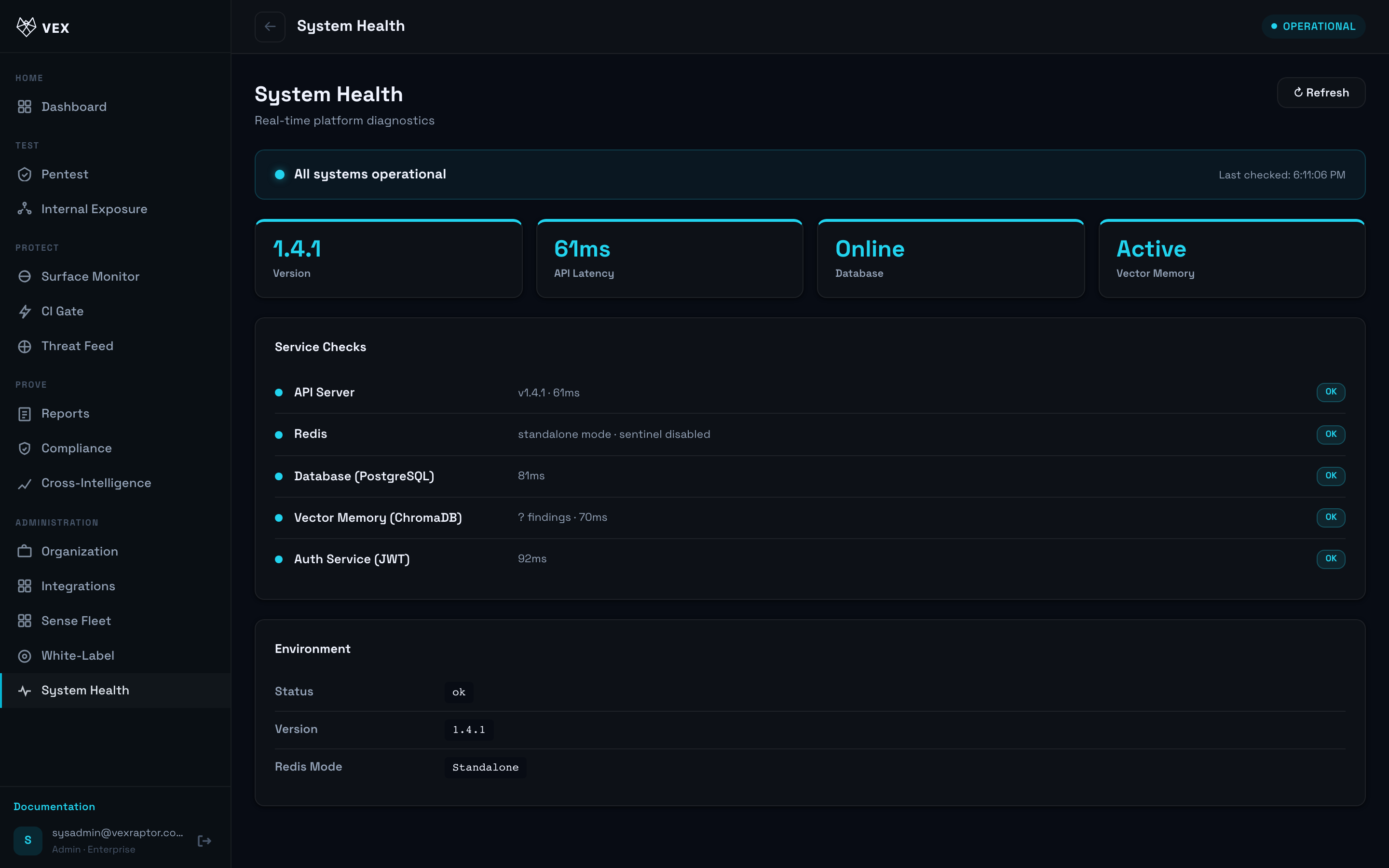
System Health shows whether your instance's dependencies (database, Redis, worker, Playwright) are ready — aimed at self-hosted admins.
Before you start
- Organization admin.
- Self-hosted or hosted — UI reads
/healthand/health/readystyle probes.
Step by step
- Open System Health from the sidebar (SPA route; do not use bare
/healthin the browser — that URL serves the JSON ops probe on most deployments).
-
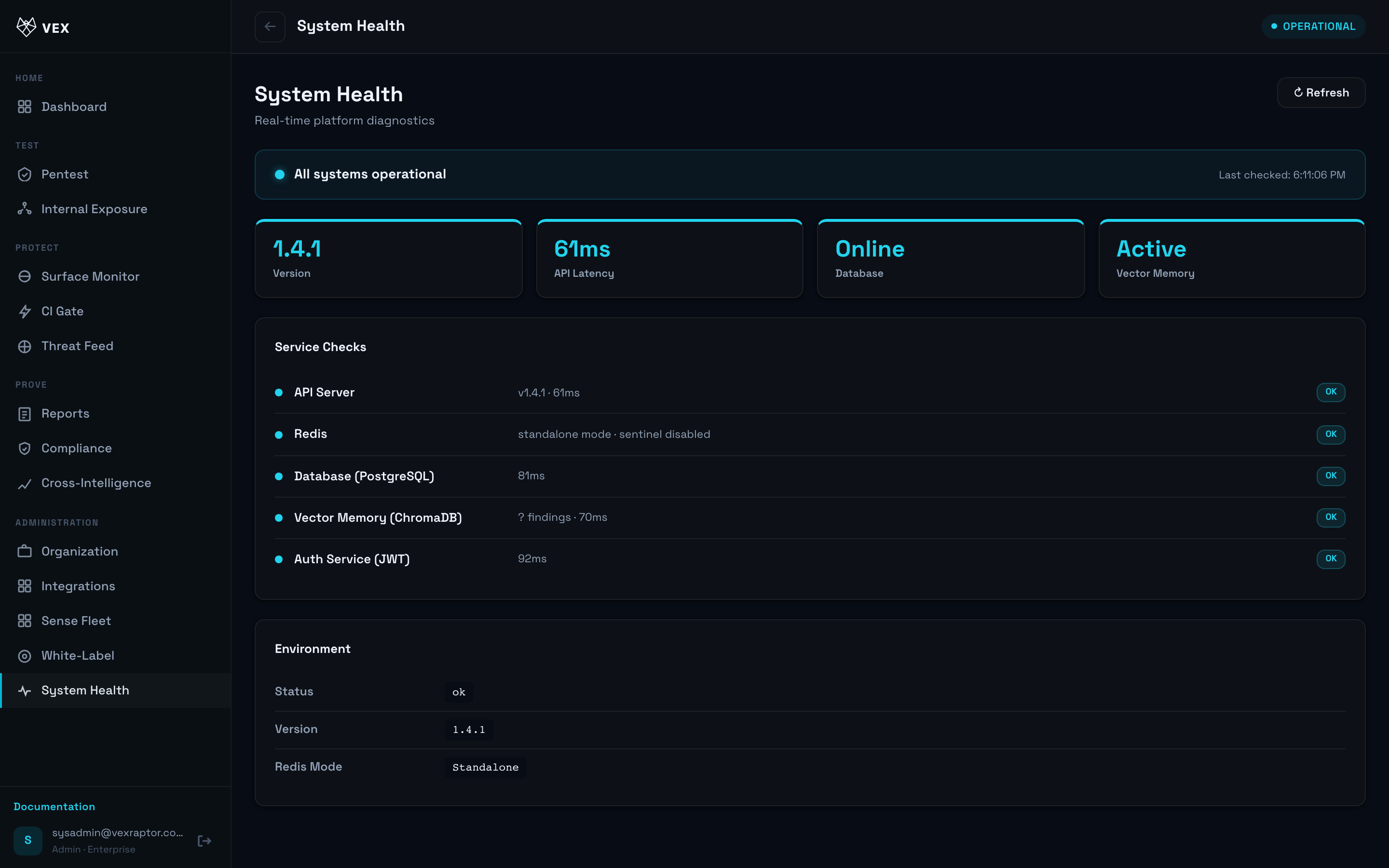
Read each component row: API, database, Redis, worker, browser engine.
-
If a row is red, follow the linked ops doc or contact your operator.
- Cross-check with
curl -s https://<host>/healthfrom your workstation.
What you will see
Overall status and per-dependency messages. Version field matches product release
(e.g. 1.5.0).
Common problems
- Redis down — scans may queue but not run; restore Redis first.
- Playwright missing — browser-confirmed findings unavailable until Chromium installs.