Integrations
What it is and why use it
Integrations connects Vex Raptor to outbound systems — ticketing, chat, SIEM, or custom webhooks — so findings reach your workflow automatically.
Before you start
- Organization admin.
- Plan: Free and above (specific connectors may vary by deployment).
Step by step
- Open Integrations (
/integrations).
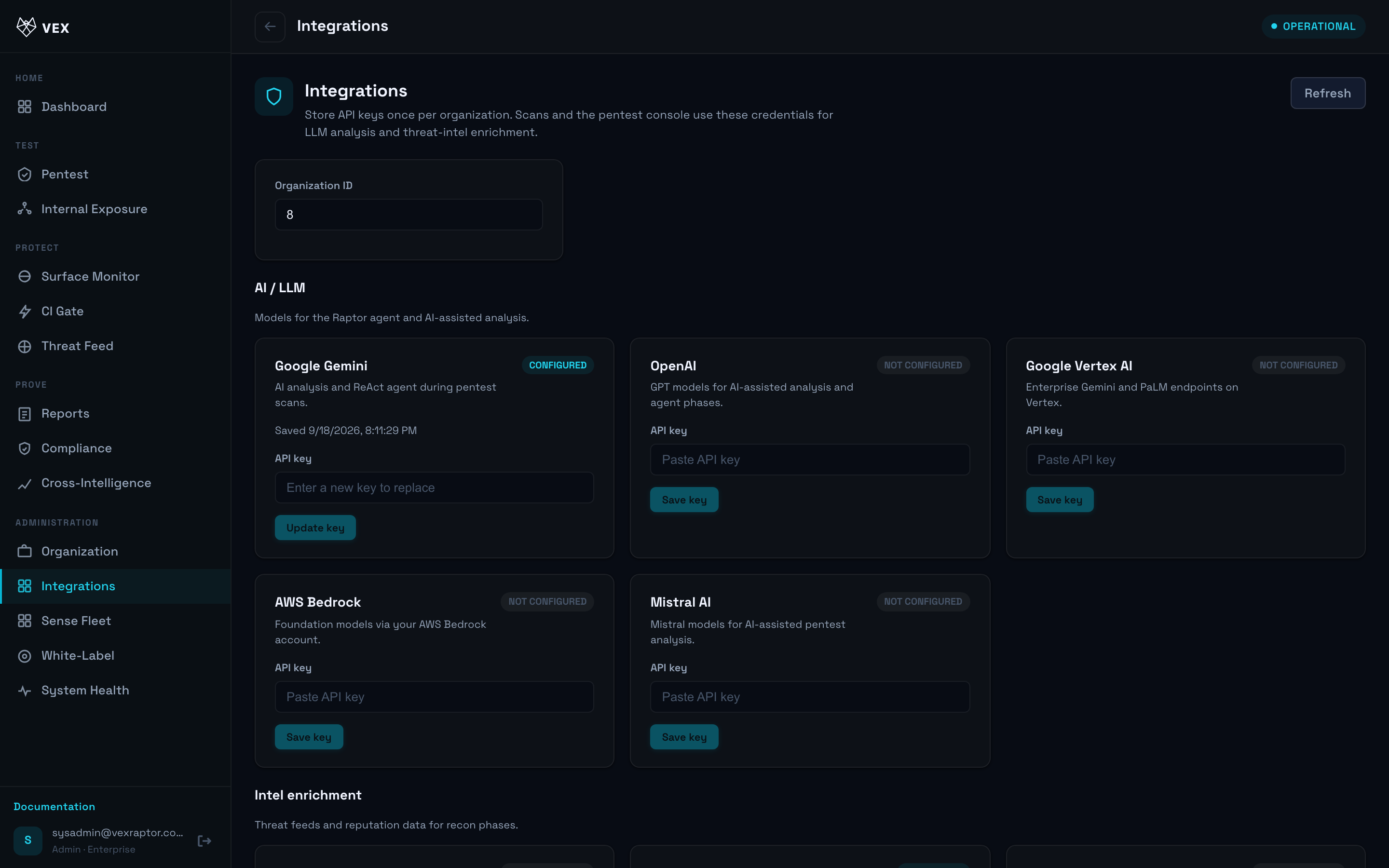
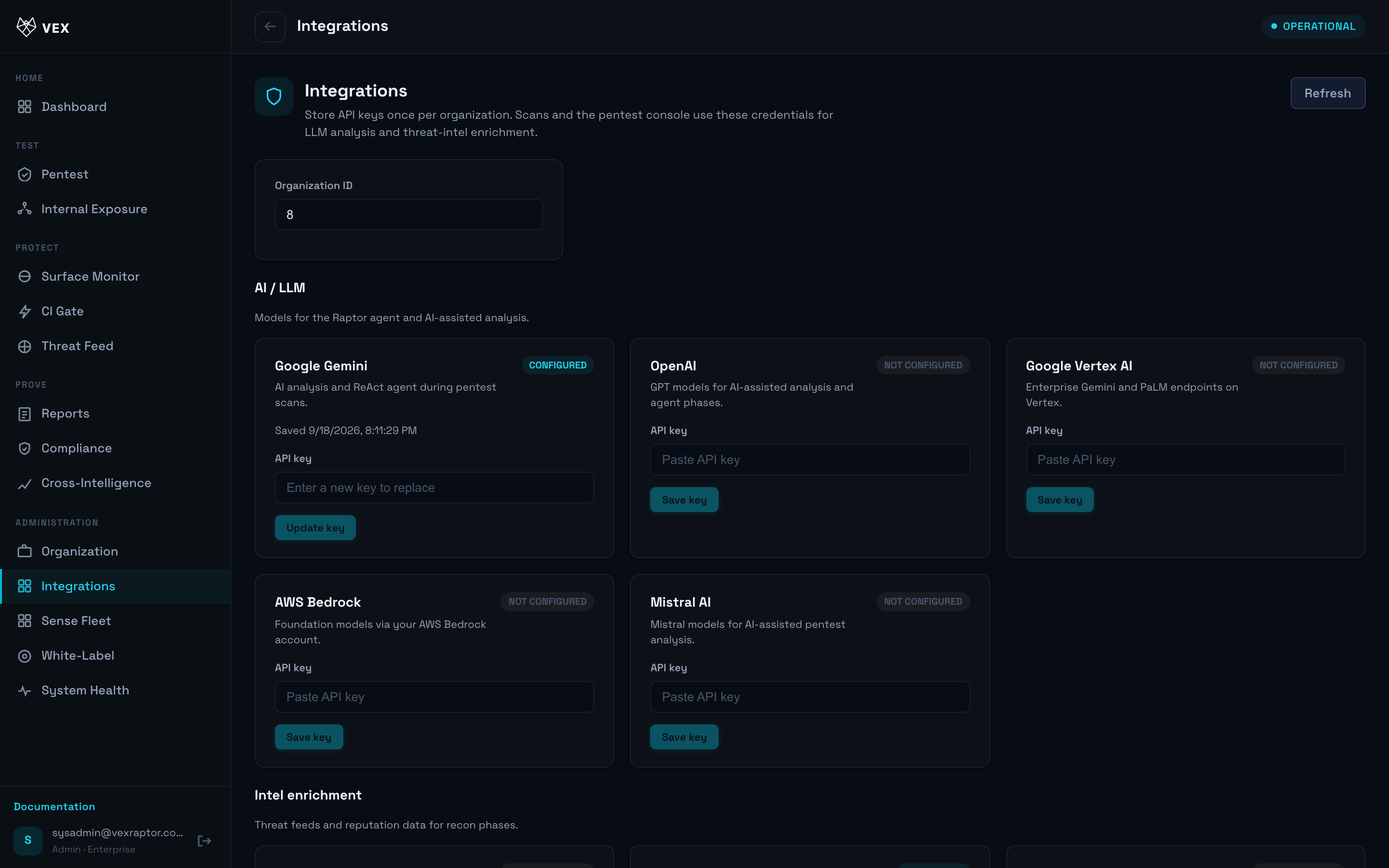
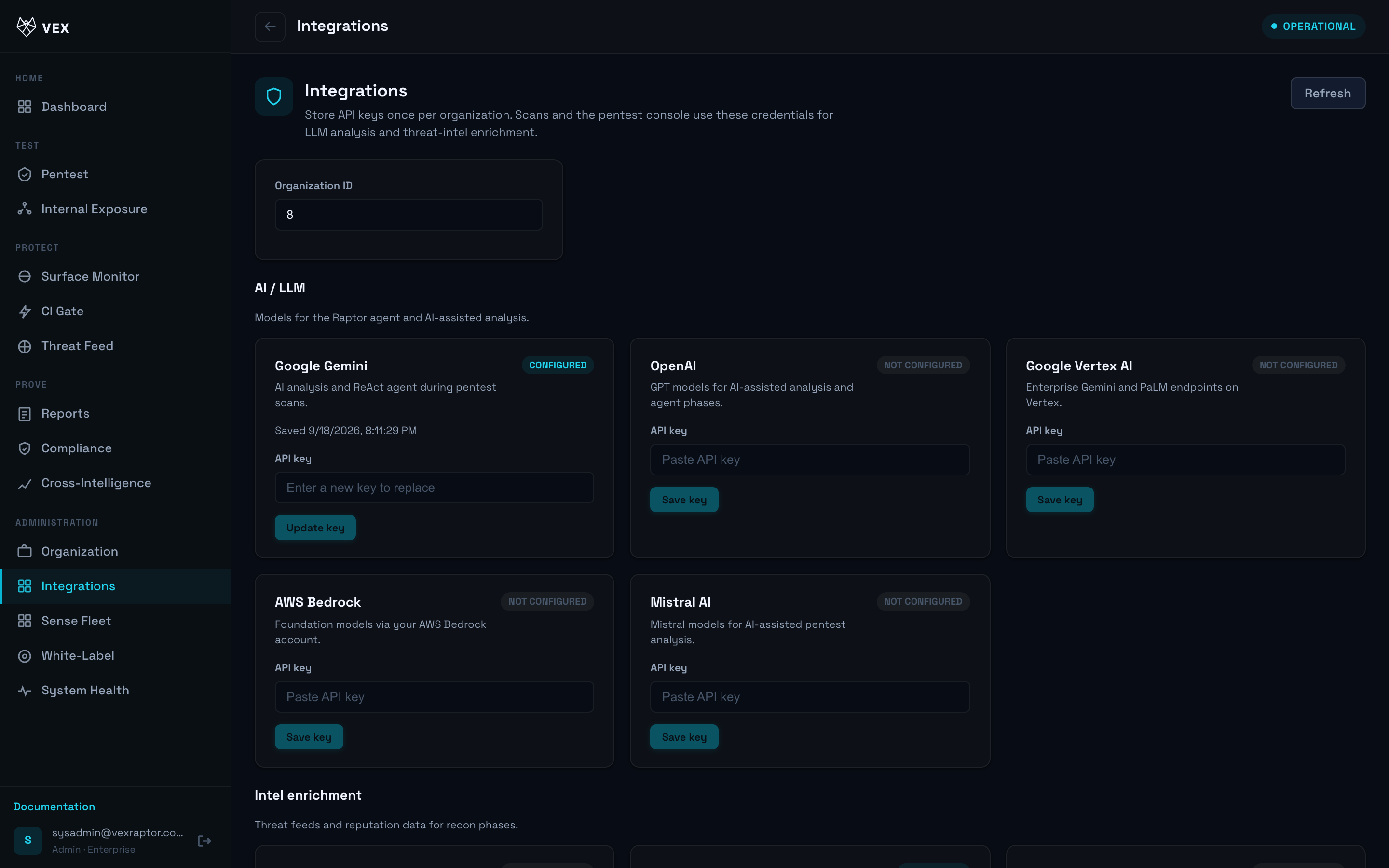
- Choose a connector and follow the setup wizard (URL, secret, channel).
-
Map severity thresholds for notifications.
-
Send a test event and confirm delivery.
- API alternative: routes under
/api/v1/orgs/.../integrationswhen exposed on your instance (see OpenAPI).
What you will see
Connected status per integration and last delivery timestamp when available.
Common problems
- Viewer cannot access — admin only.
- Test fails — check firewall egress from the Vex Raptor worker container.