Dashboard
What it is and why use it
The Dashboard is your home screen: recent scans, severity breakdown, and shortcuts into reports.
Before you start
- Any authenticated user.
- Plan: Free and above.
Step by step
- Open Dashboard from the sidebar.
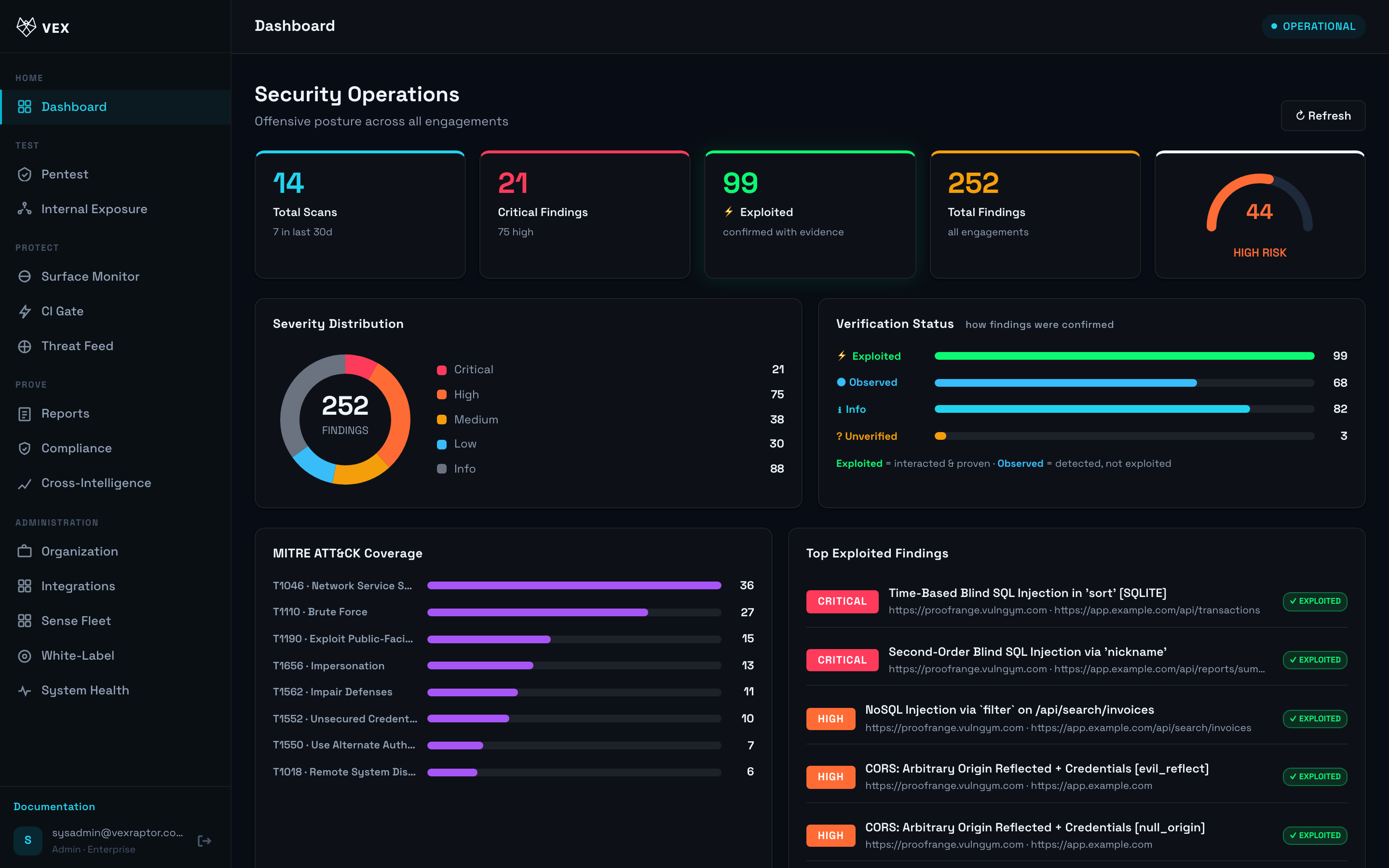
- Review the cards for open critical/high findings and recent scan activity.
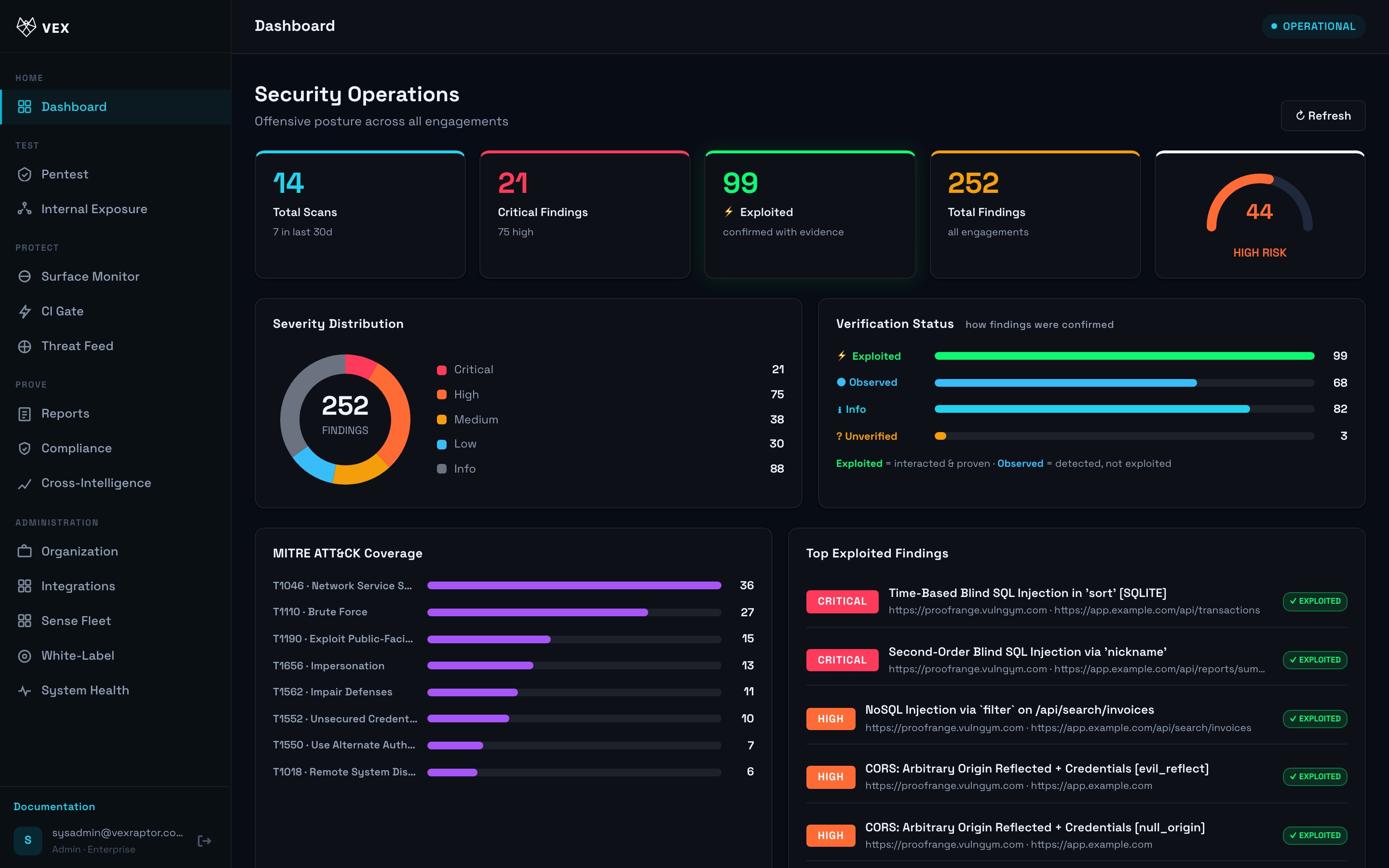
- Click a finding or scan row to jump to Reports.
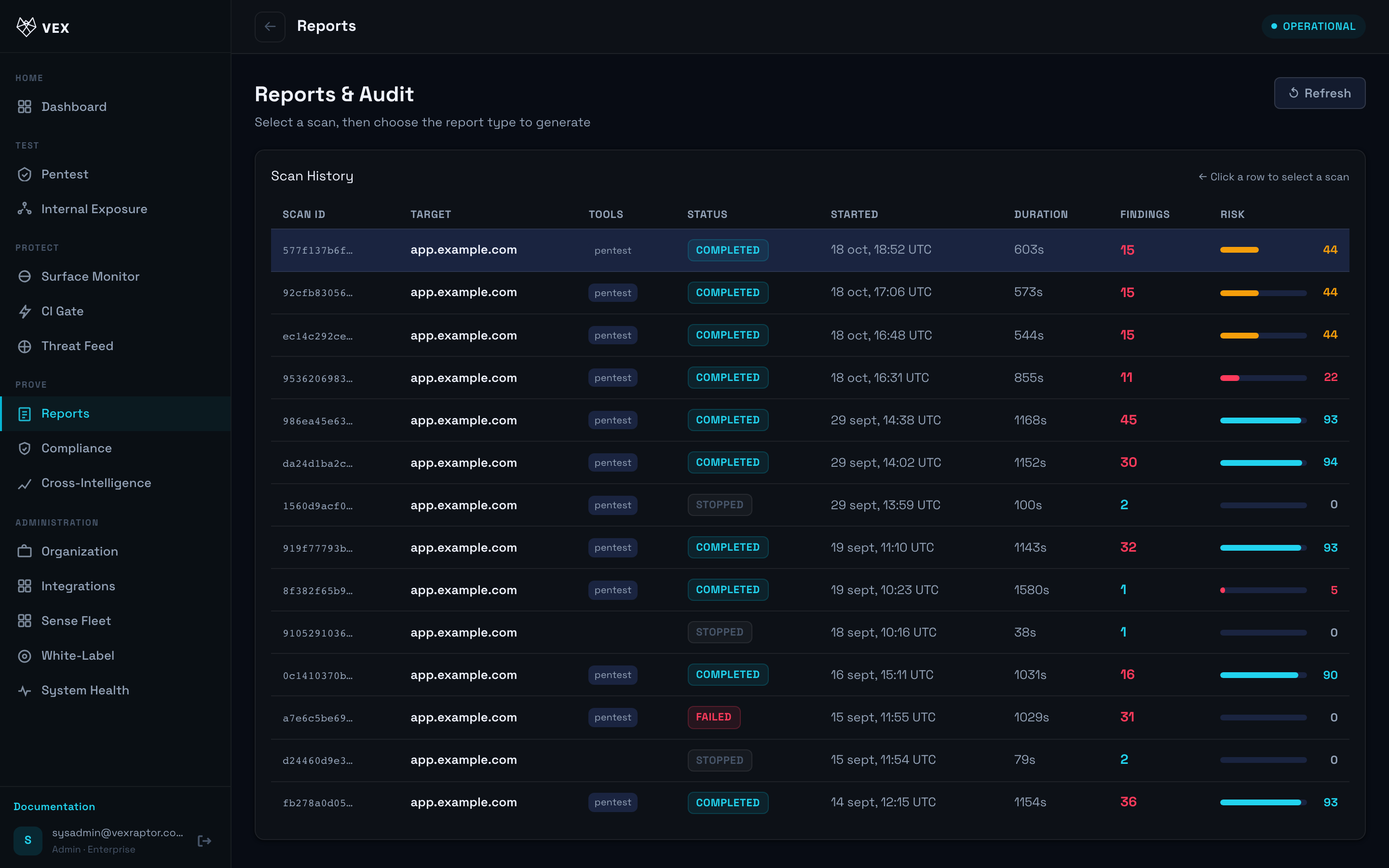
What you will see
Widgets summarize counts by severity. Empty state appears until your org completes its first scan.
Common problems
- Blank dashboard — run a pentest first.
- Numbers differ from PDF — dashboard is live; PDF is a snapshot at export time.