Run scans
What it is and why use it
Pentest runs an authorized offensive assessment against a URL. You choose depth, optional authentication, and (for API targets) OpenAPI-driven testing.
Before you start
- Plan: Free and above (daily quota applies).
- Target must pass SSRF and scope checks; external targets need domain verification in production.
- Read Scan depths for Recon vs Full vs AI.
Step by step
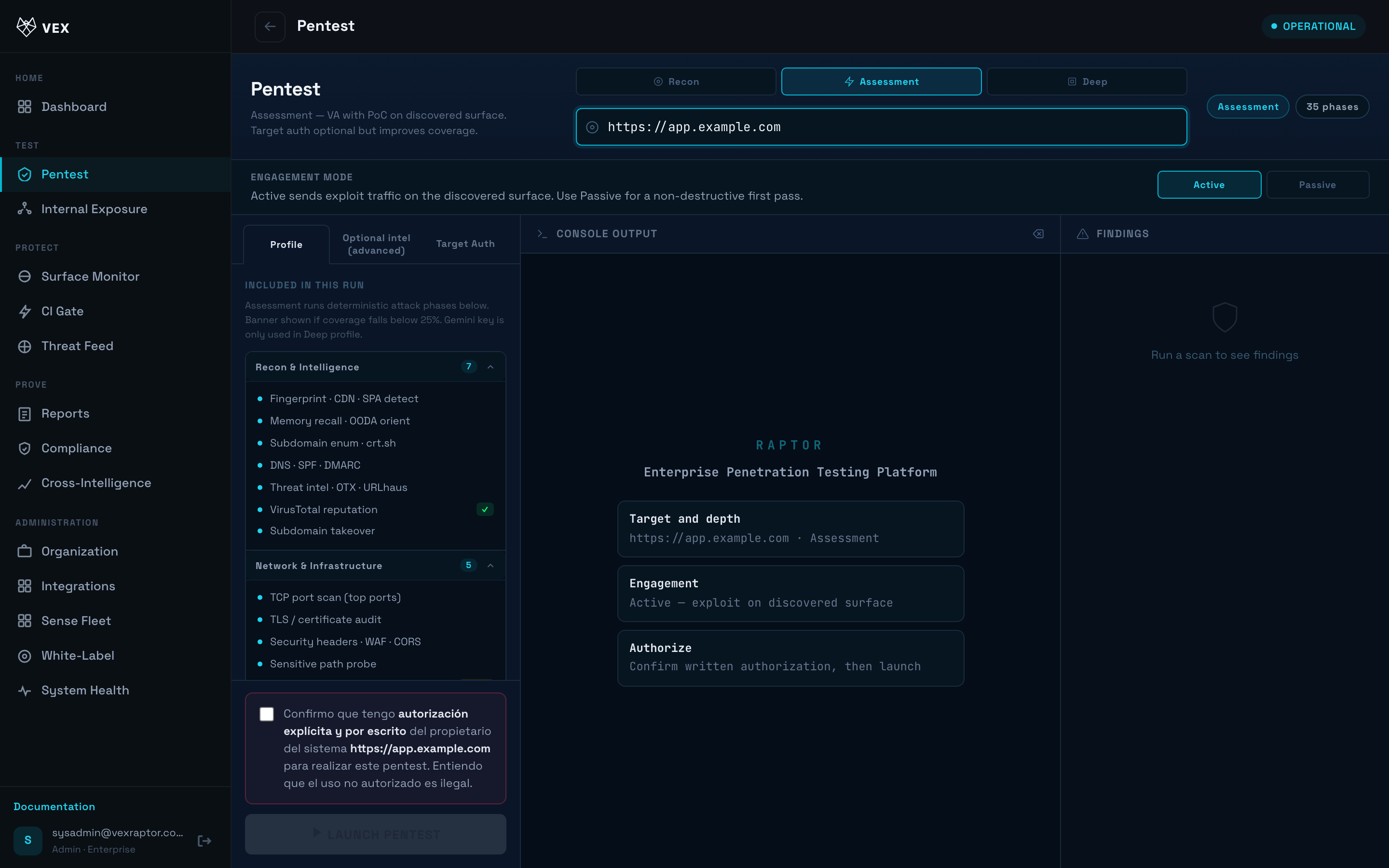
- Open Pentest (
/scan).
-
Enter the full URL, e.g.
https://staging.example.com. -
Choose Depth: Recon (fast infrastructure pass), Full (active testing), or AI (adds LLM-guided analysis when configured).
-
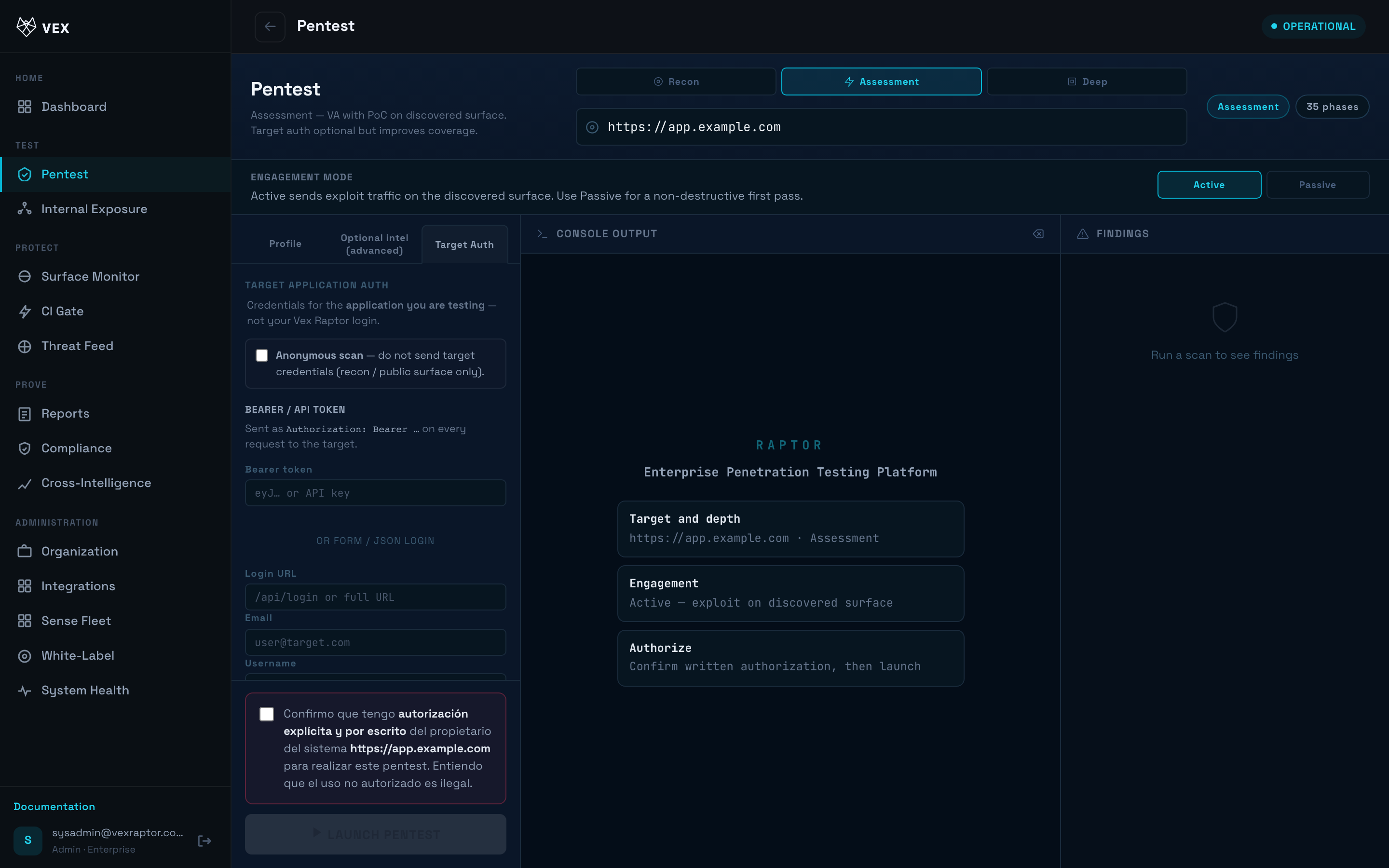
Optional — Authenticated scan: expand auth and supply bearer token, custom header, or login form credentials so the engine can reach protected pages.
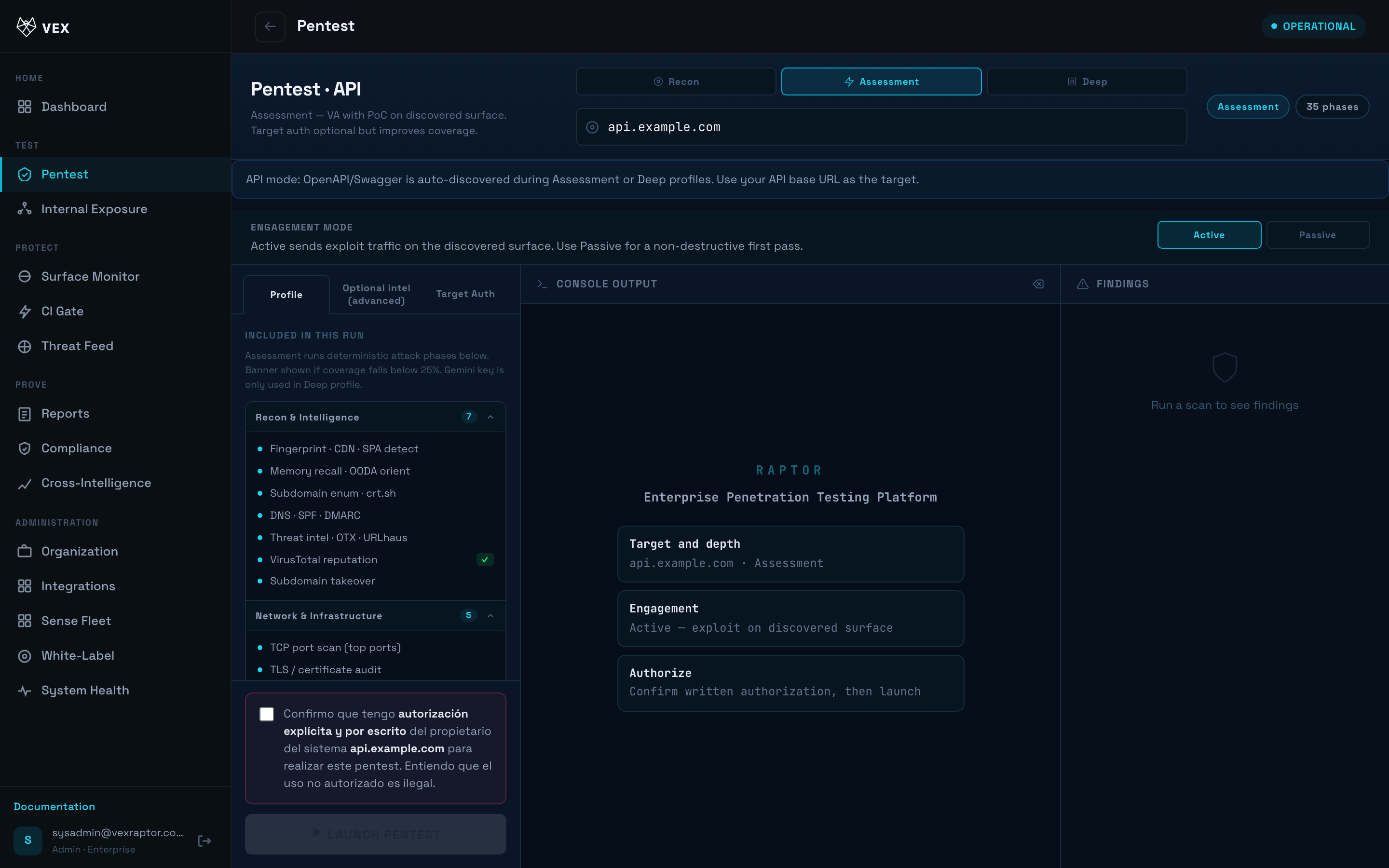
- For API/OpenAPI mode, open
/scan?mode=apior use API Scanner when visible. Paste or upload an OpenAPI document.
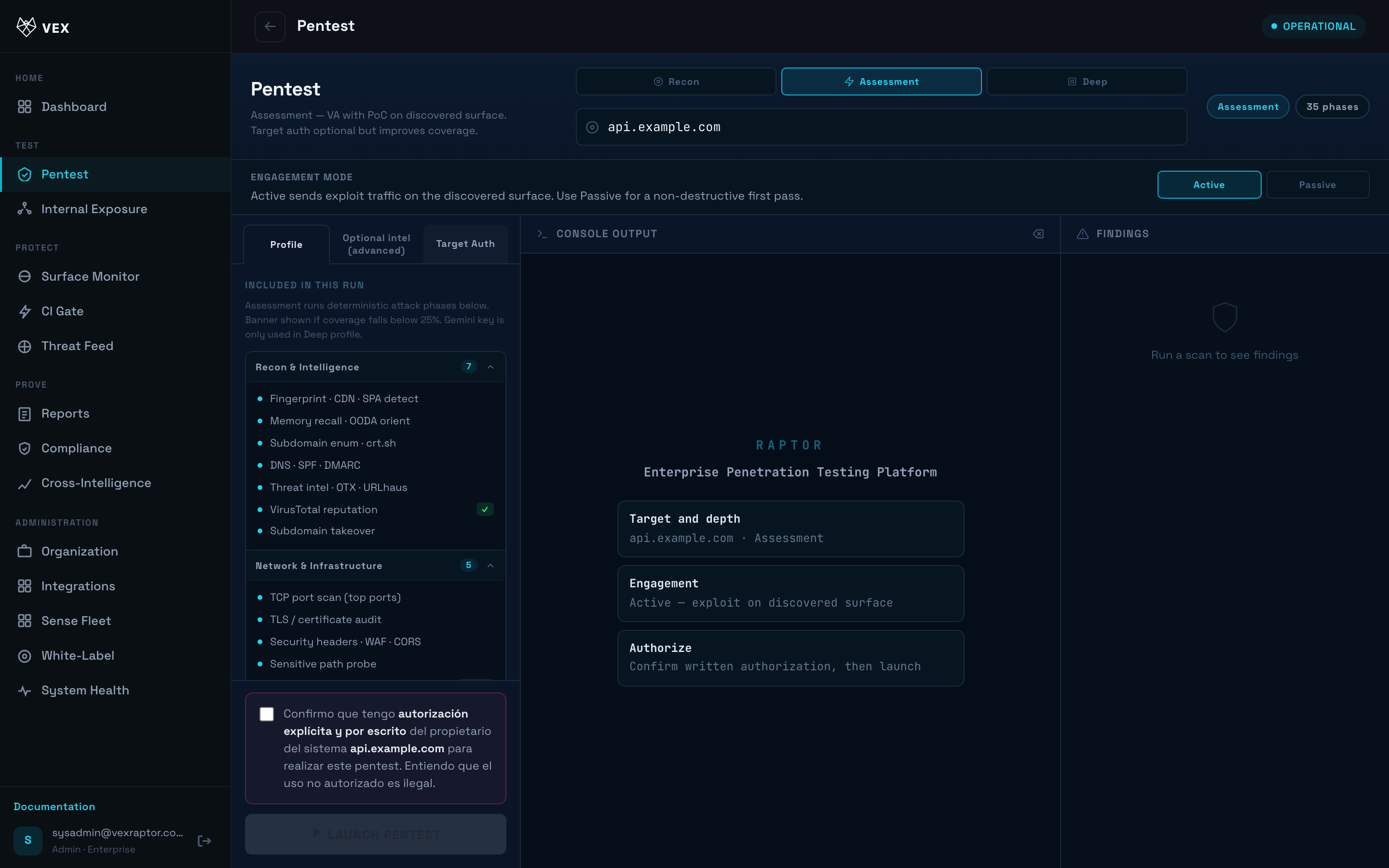
- Click Start. The phase timeline and findings stream live on the same page.
- To stop early, use Cancel (when shown). The partial results remain in Reports.
What you will see
Phases complete in order; each finding shows severity, confidence tier, and evidence snippets. Terminal event marks completion with totals and risk score.
Common problems
- 400 invalid target — URL blocked (private IP, metadata, or disallowed scheme).
- Scan stuck — worker or Redis issue; admins check System Health.