API Explorer
What it is and why use it
API Explorer is an in-console helper to call /api/v1 endpoints with your
current session JWT — useful for admins validating integrations without curl.
Before you start
- Enterprise plan, admin role, advanced navigation enabled.
- Prefer the hosted OpenAPI UI at
/api/docsfor full schema browsing.
Step by step
- Open API Explorer (
/api-explorer).
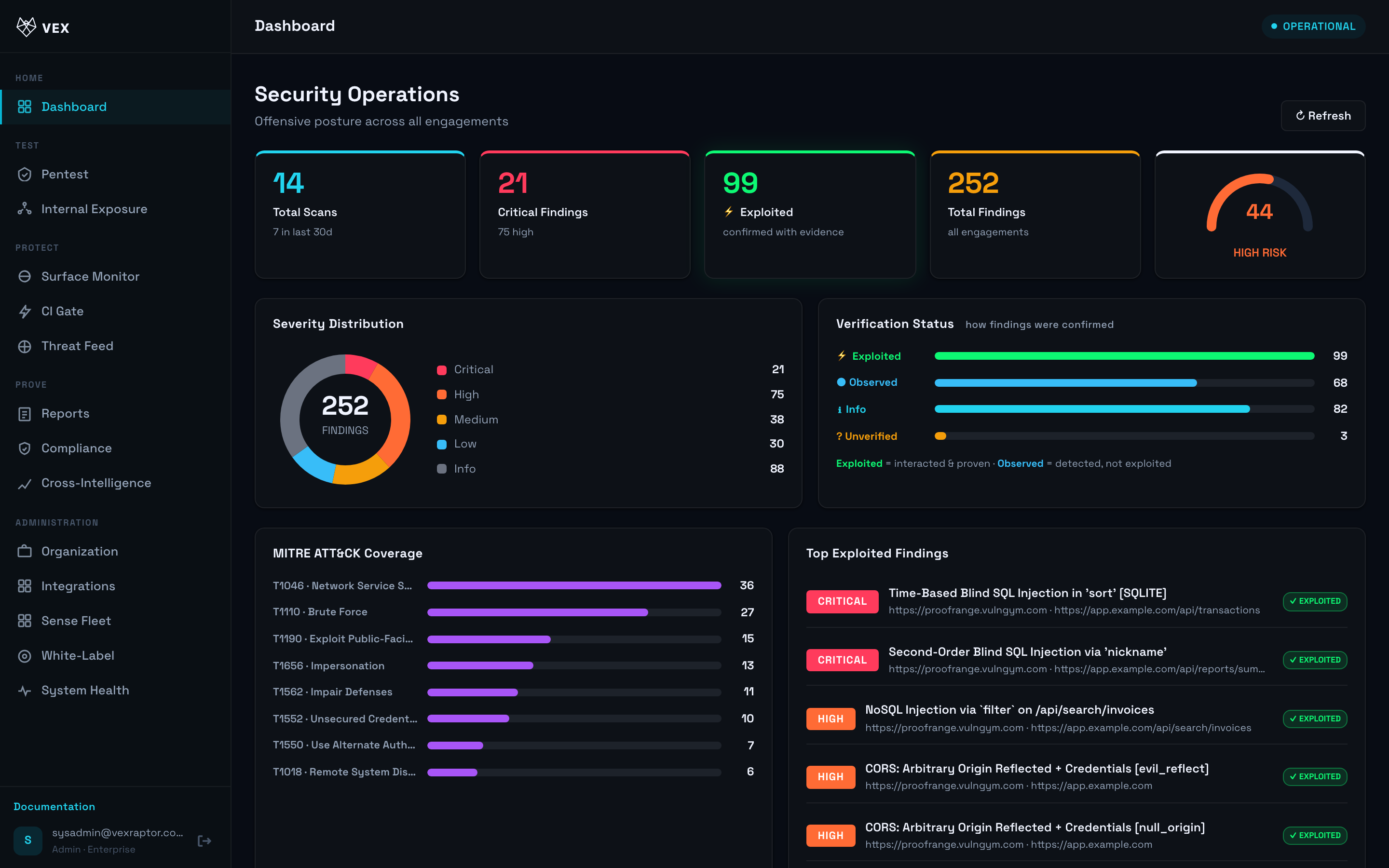
-
Pick method and path (e.g.
GET /api/v1/auth/me). -
Add JSON body if required and Send.
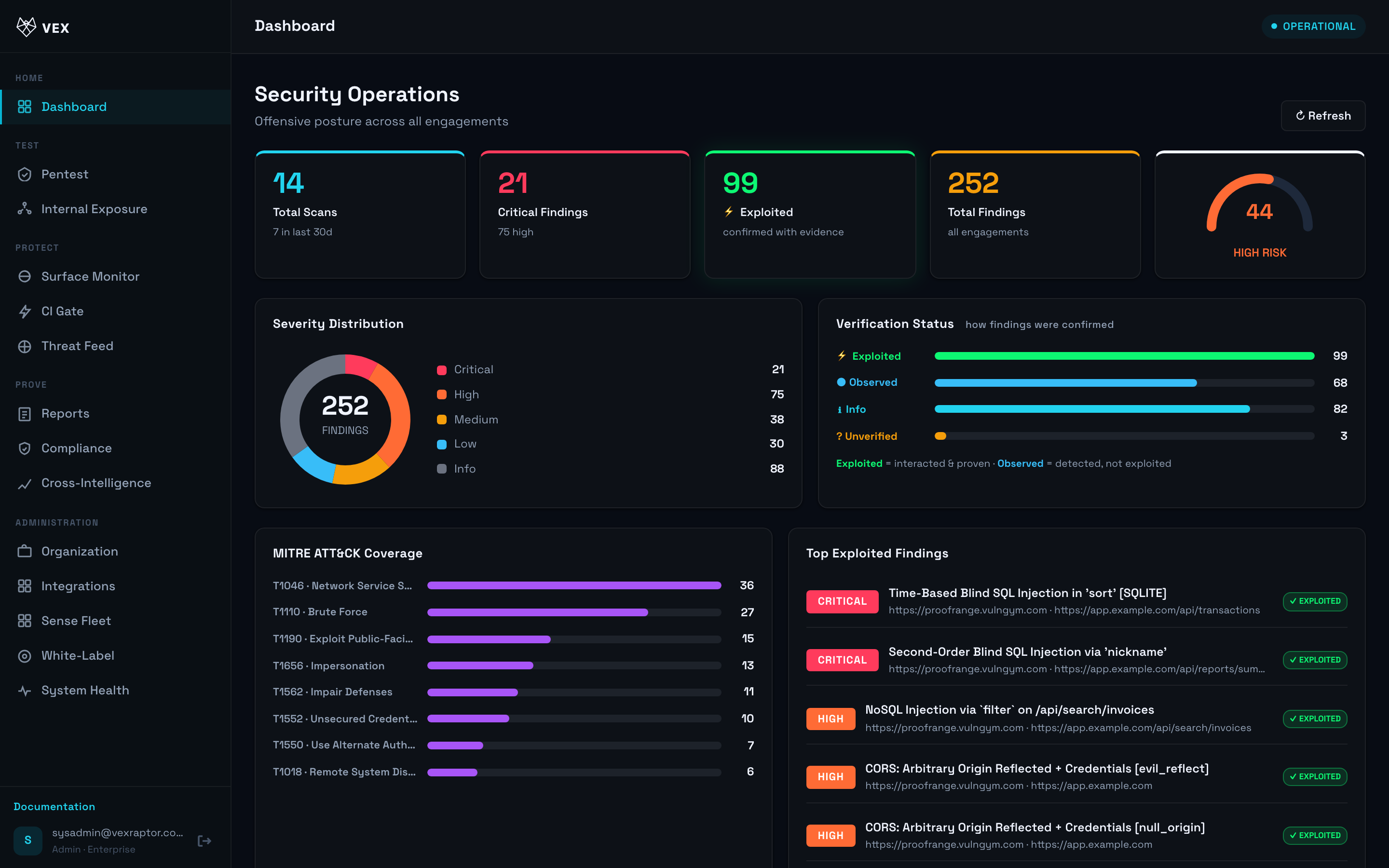
- Copy responses into your integration notes — never share JWTs.
What you will see
Raw status code, headers summary, and JSON body from the API.
Common problems
- Hidden menu — enterprise + advanced nav required.
- 401 — session expired; log in again.