Results & reports
What it is and why use it
Reports (/results) is where you read findings, export PDFs, inspect attack
chains, and launch remediation verification (re-attack) on fixed issues.
Before you start
- Any authenticated member (viewers can read; admins can export per org policy).
- Familiarity with Findings & severity and the Confidence pipeline.
Step by step
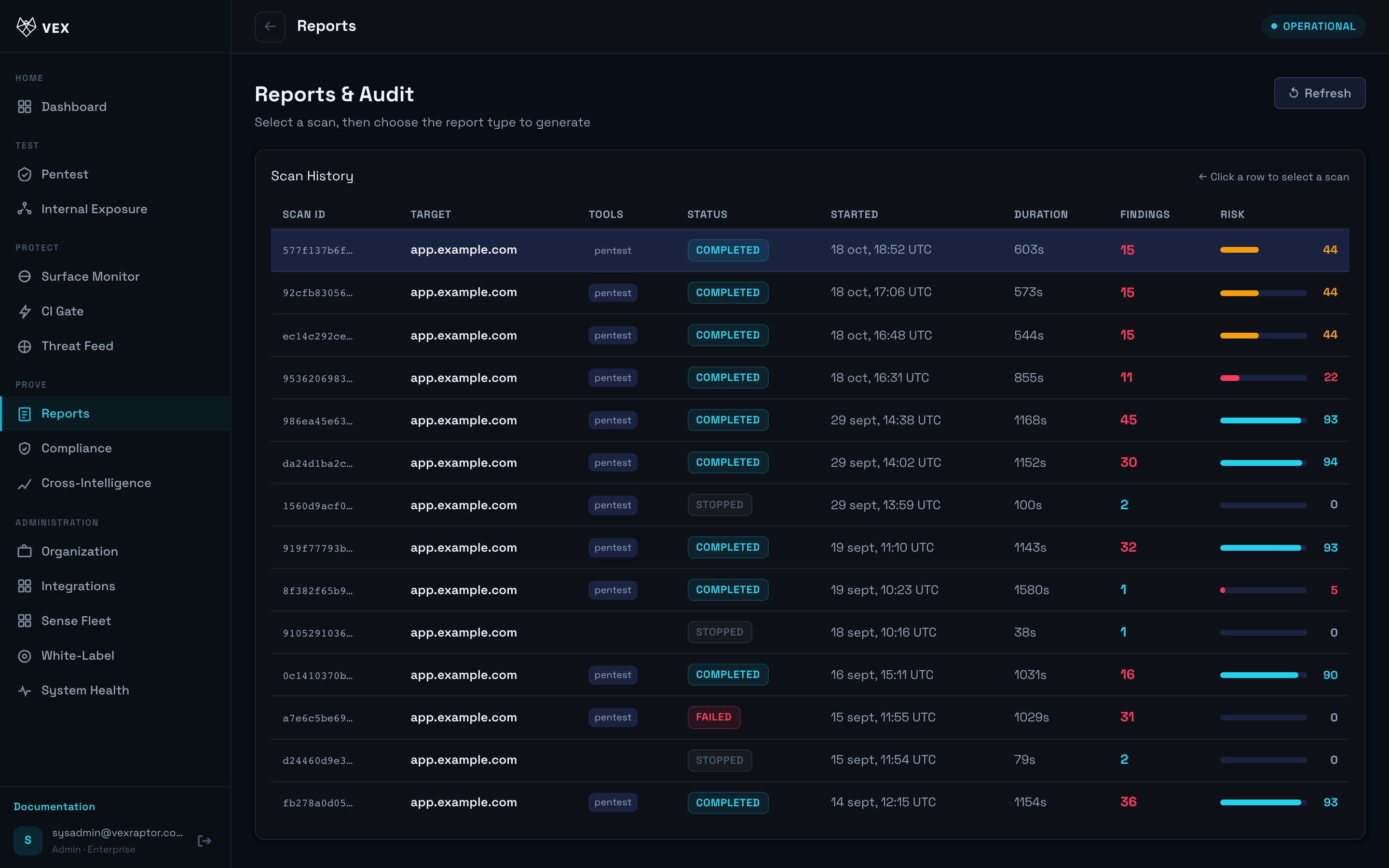
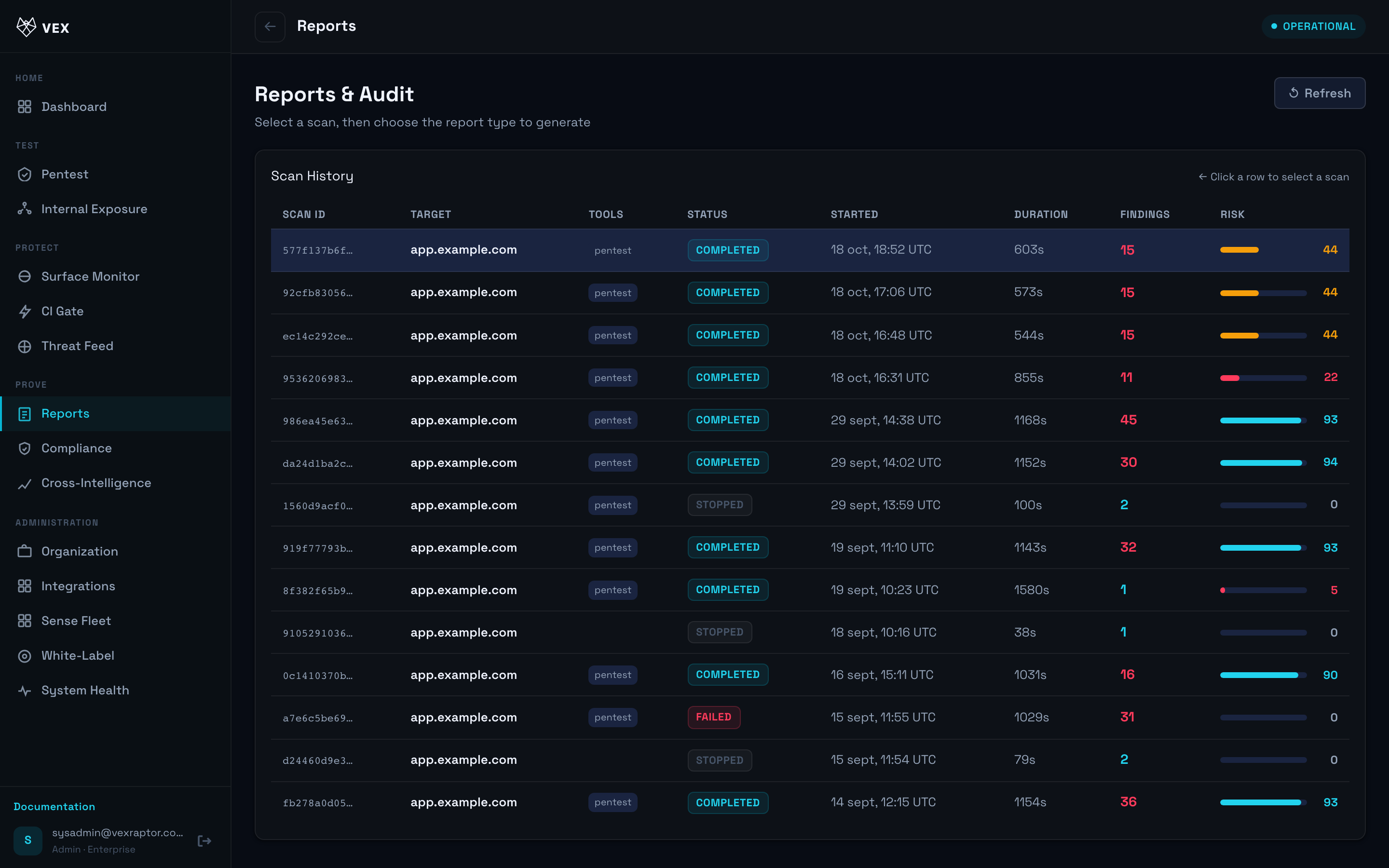
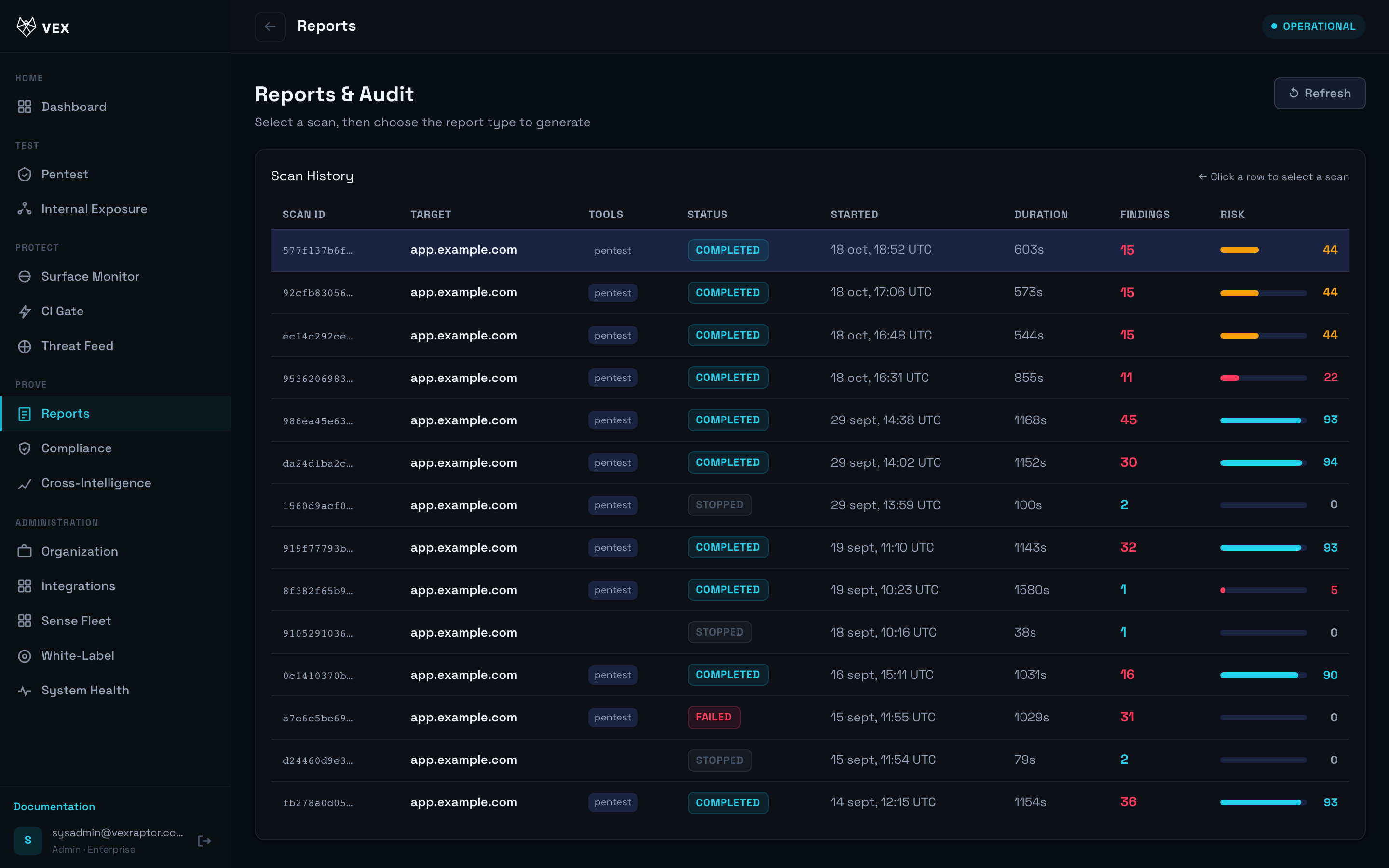
- Open Reports and pick a completed scan from the list.
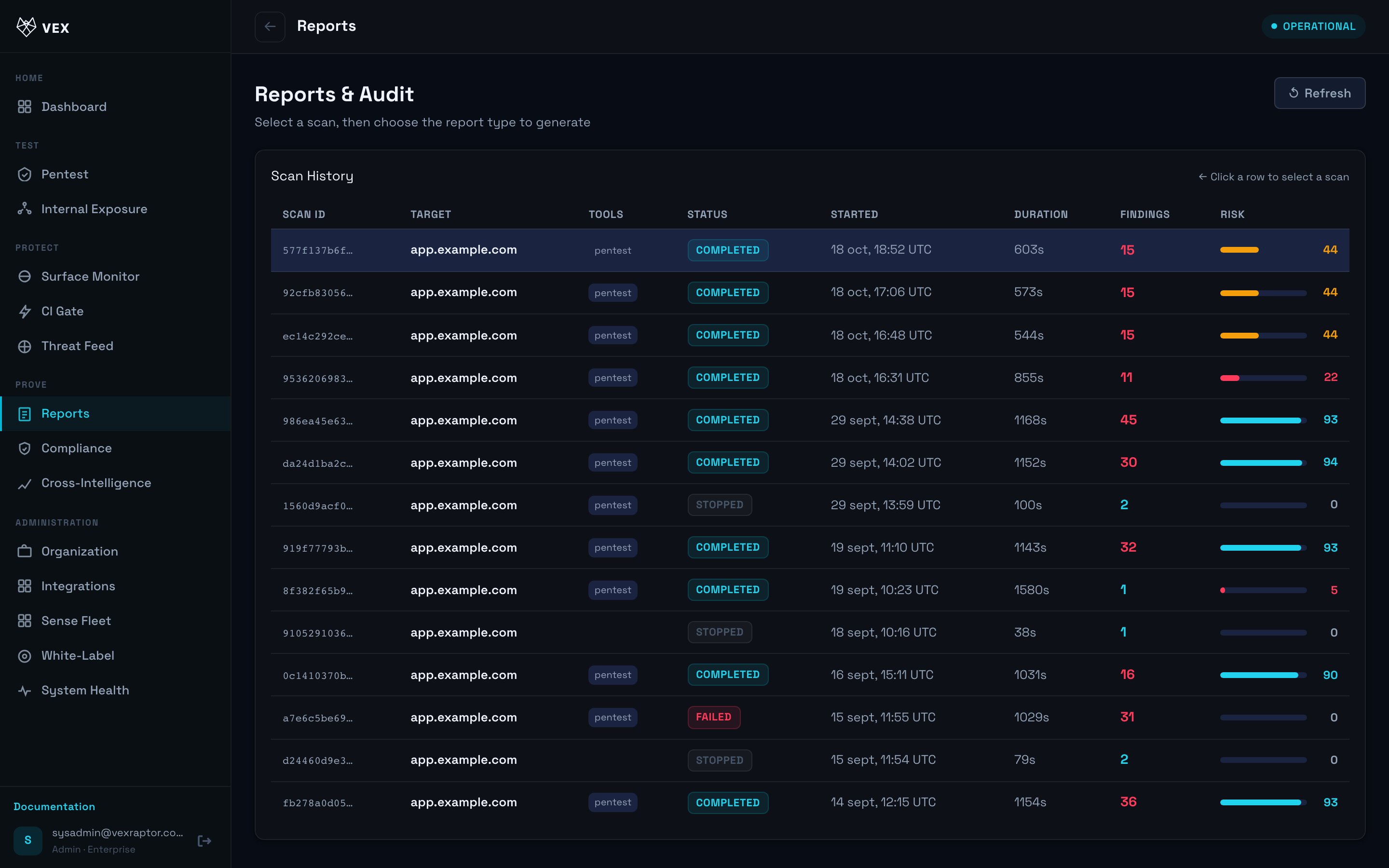
- Filter or sort by severity. Expand a finding to read evidence and confidence tier.
-
Review attack chains when present — combined narratives linking multiple findings.
-
Export PDF using the download action (audit-logged for admins).
- For a fixed issue, run Verify remediation (re-attack) and read OPEN vs CLOSED.
What you will see
Each finding shows severity, confidence, affected URL/path, and remediation hints. Live scans also stream here from the pentest form when linked.
Common problems
- Empty report — scan still running or failed; check status on the scan row.
- Confidence lower than expected — see confidence pipeline; not every signal reaches CONFIRMED without independent verification.