Scheduled scans
What it is and why use it
Scheduled scans run pentests automatically on a daily or weekly cadence so you catch regressions without manual runs. Schedules are managed per organization.
Before you start
- Organization admin role.
- Your plan must allow active schedules (see
GET /api/v1/orgs/planson your instance for limits; some commercial tiers capmax_active_schedules). - Target URLs must already pass the same authorization and domain-verification rules as manual scans.
Step by step
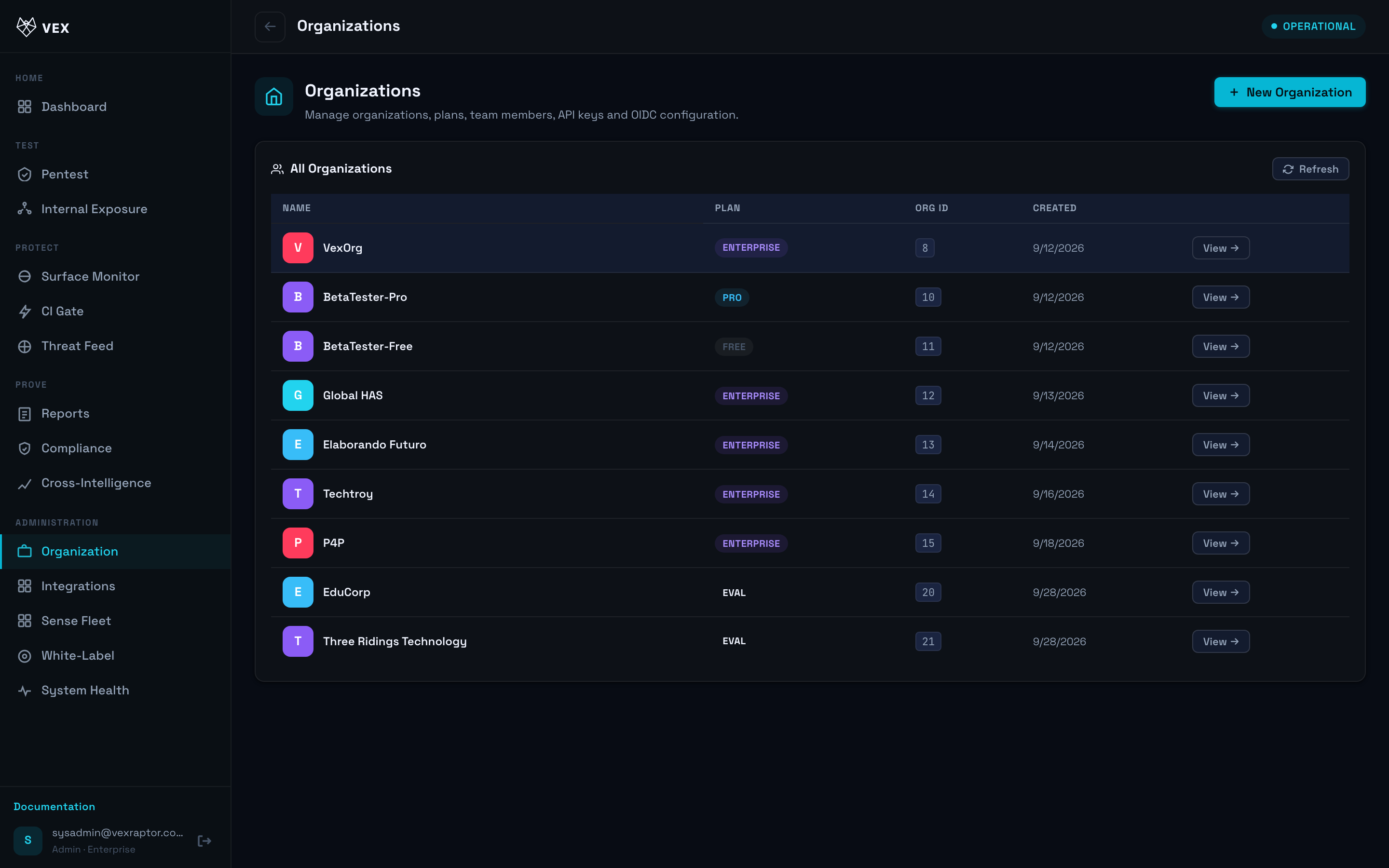
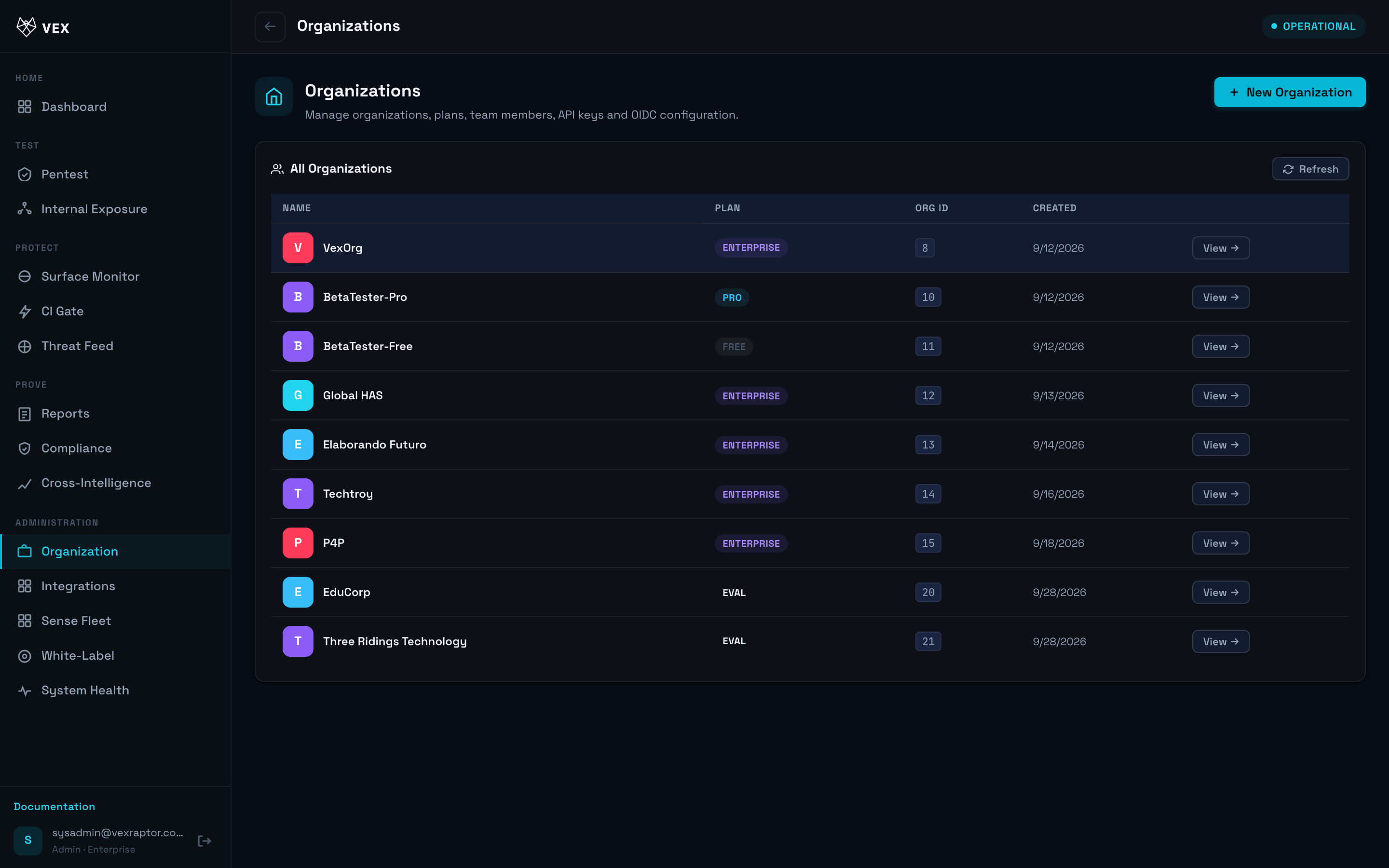
- As an admin, open Organization or use the API
GET /api/v1/orgs/{org_id}/scan-schedulesto list existing schedules.
- Create a schedule with target URL, playbook (
recon,full, or values from your instance), cadence (dailyorweekly), and hour (UTC).
-
Enable the schedule. The worker job
run_due_scan_schedules_jobstarts scans when due. -
Review results in Reports like any other scan. Schedule diffs may be listed via
GET /api/v1/orgs/{org_id}/scan-schedule-diffs.
What you will see
Each run creates a normal scan record. Failed policy checks return API errors at create/update time rather than silently skipping.
Common problems
- Quota / schedule limit — HTTP 403 when the plan does not allow more active schedules.
- Invalid playbook — only playbooks defined in the engine (e.g.
full,recon) are accepted.