White-label branding
What it is and why use it
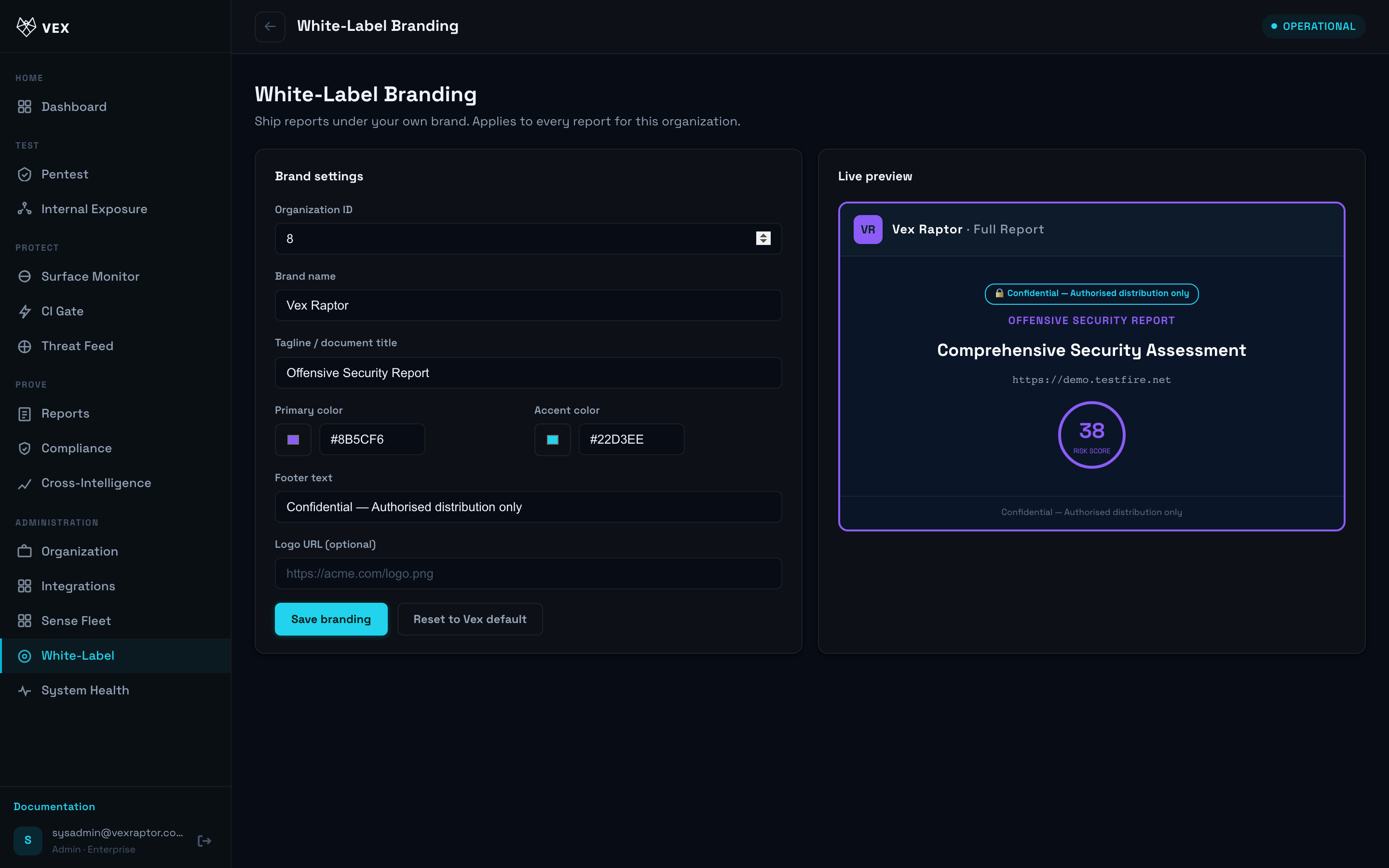
White-Label lets MSSPs replace Vex branding on PDF reports and console accents with your logo, colors, and optional tooling labels.
Before you start
- Plan: Enterprise (platform operators may access other orgs when permitted).
- Admin role.
Step by step
- Open White-Label (
/branding).
-
Upload logo assets within size limits shown in the UI.
-
Set primary color and report footer text.
-
Toggle hide tooling if your contract allows generic tool labels in PDFs.
-
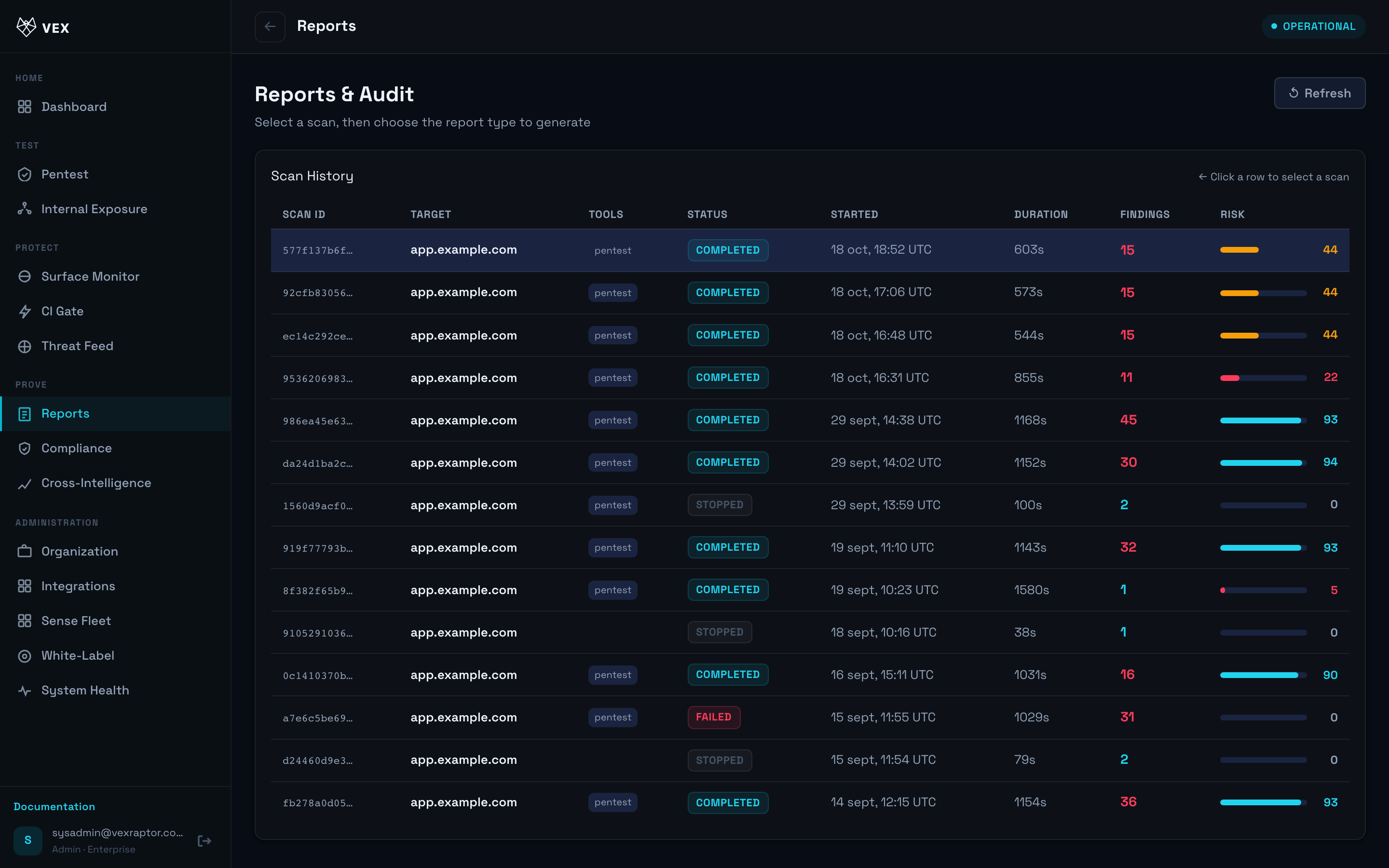
Save and export a sample PDF from Reports to verify rendering.
What you will see
Live preview where available; PDF exports reflect saved branding on subsequent downloads.
Common problems
- 403 — Enterprise plan required.
- Logo distorted — use SVG or high-resolution PNG per UI hints.