Security audit
What it is and why use it
Security Audit runs configuration and self-test workflows against your Vex Raptor deployment (posture checks, SSRF self-tests, and related admin diagnostics). It requires Enterprise, admin role, and advanced navigation enabled.
Before you start
- Enterprise plan and admin role.
- Menu visible only when advanced navigation is on.
Step by step
- Open Security Audit (
/security-audit).
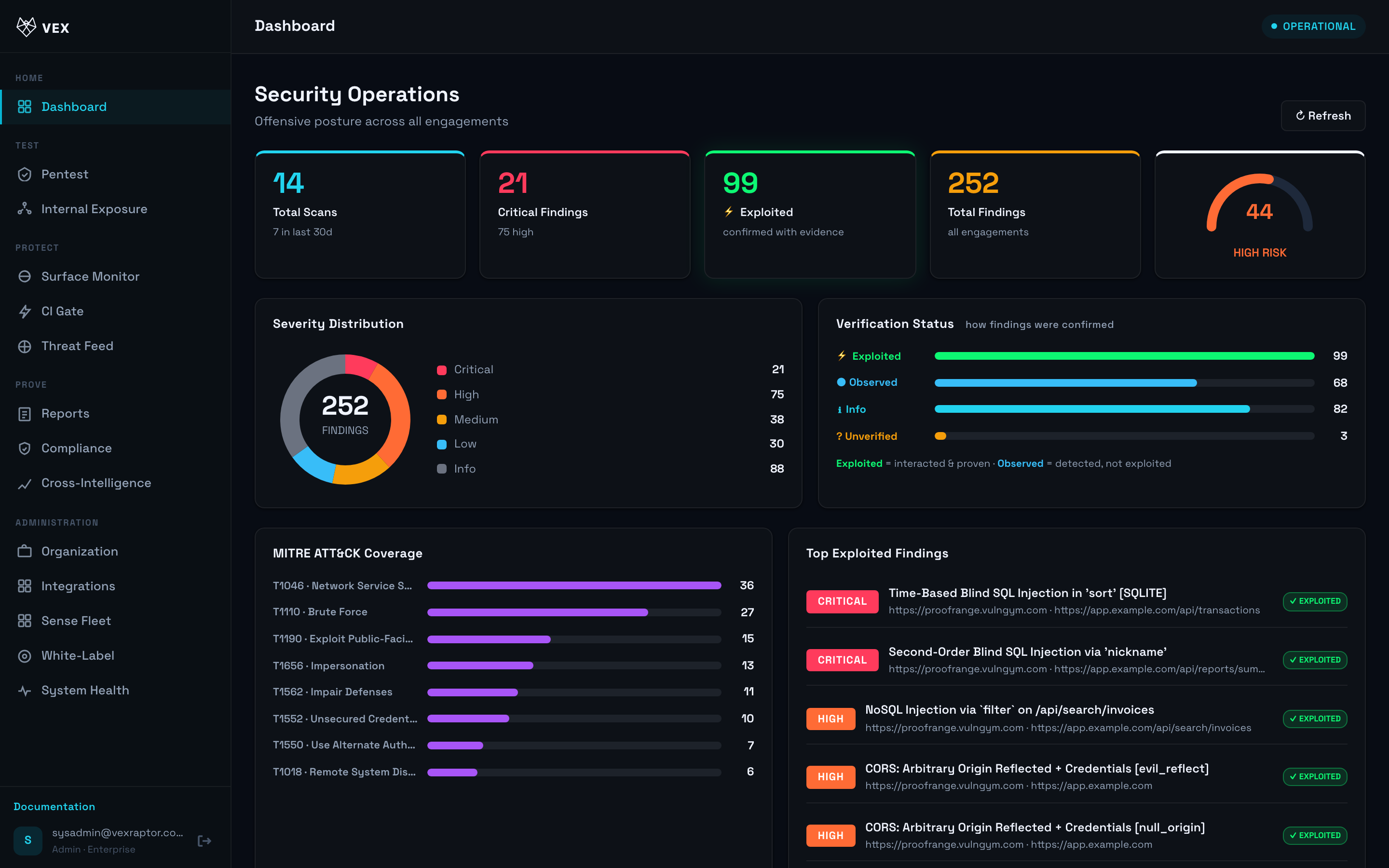
- Choose a module (e.g. self-pentest or SSRF audit) and start the run.
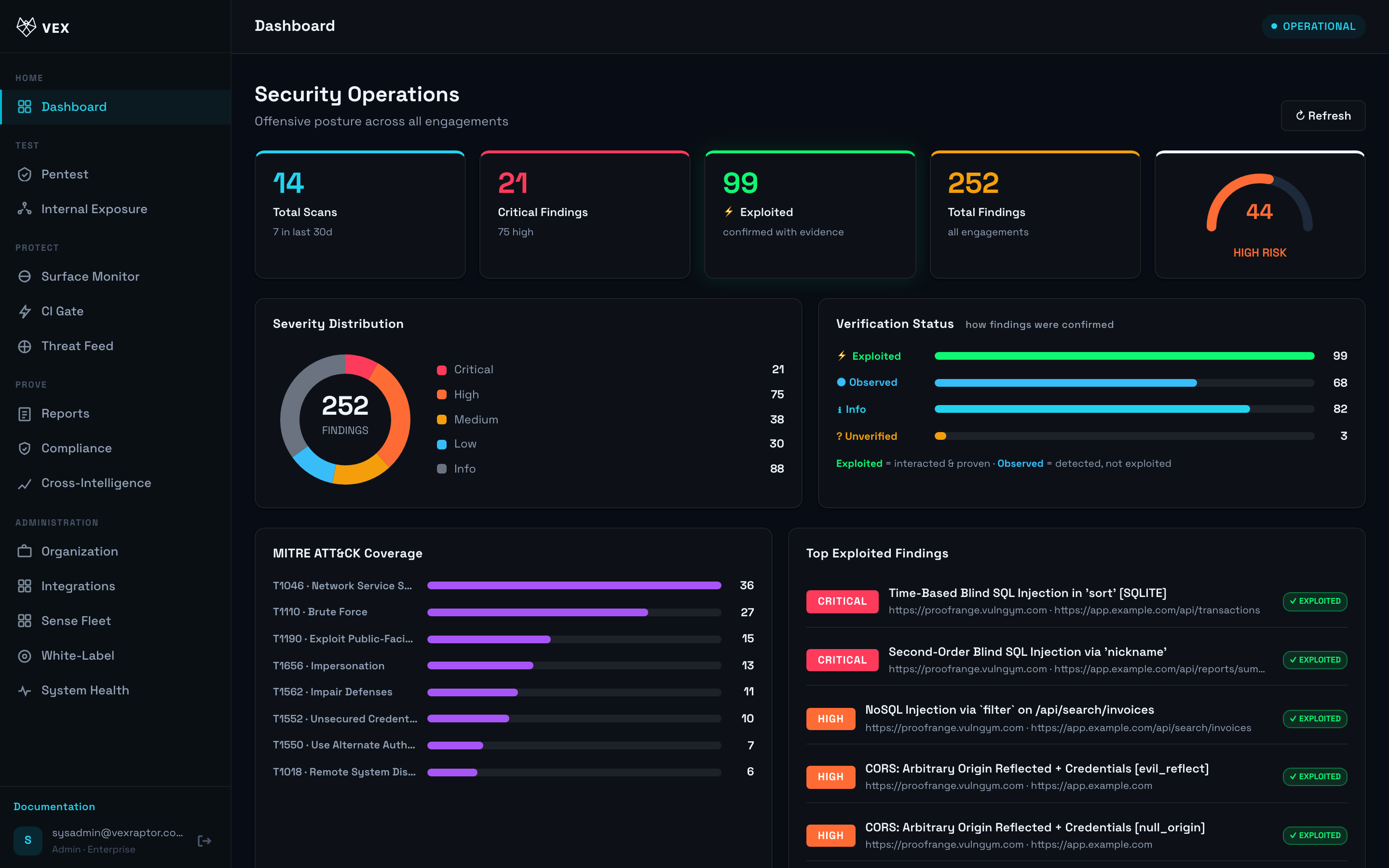
-
Read pass/fail per check with remediation hints.
-
Export or copy results for your security team.
What you will see
Structured check results scoped to your organization (platform operators may see broader diagnostics — not available to normal tenants).
Common problems
- Redirect to Dashboard — enable advanced navigation or upgrade plan.
- 503 — dependency missing in self-hosted installs.